


| Countries | Brazil (BR) |
| Currencies | Brazilian Real (BRL) |
| Min amount | 0.50 BRL |
| Max amount | Bank dependent |
| Integration type | API v1 |
| Payment Form |
| One-time | Yes |
| 1-click | Yes |
| Recurring | Yes |
| Unscheduled | Yes |
| Refund | Yes |
| Partial refunds | Yes |
| Multiple partial refunds | Yes |
| Chargeback | No |
SmartPix lets merchants collect one-time or recurring payments directly from customers' bank accounts, using Open Finance technology - an official framework overseen by Brazil's Central Bank.
With secure Open Finance connections, SmartPix makes recurring payments easy, fast, and safe. This approach is increasingly popular in Brazil, as customers approve the payment plan once and payments happen automatically afterward.
Principle of operation

- Selection at checkout
Customer selects Pix at checkout. - Payment initiation
Customer is redirected to a hosted page to choose their bank. - Authentication and authorization
Customer selects a bank and confirms the authorization purpose and limits. - Payment confirmation
Customer is redirected to their bank app to authenticate and approve the payment. - Payment approval
Customer approves the payment and is redirected back to the hosted page. - Merchant notification
Merchant receives a notification Webhook confirming the payment status.
Init payment
API v1
request must be sent with the
pix
parameter to the
payment_method
field or integrates the
Guide
Configure and customize payment form APM buttons.
APM buttons
flow in the payment form for SmartPix.
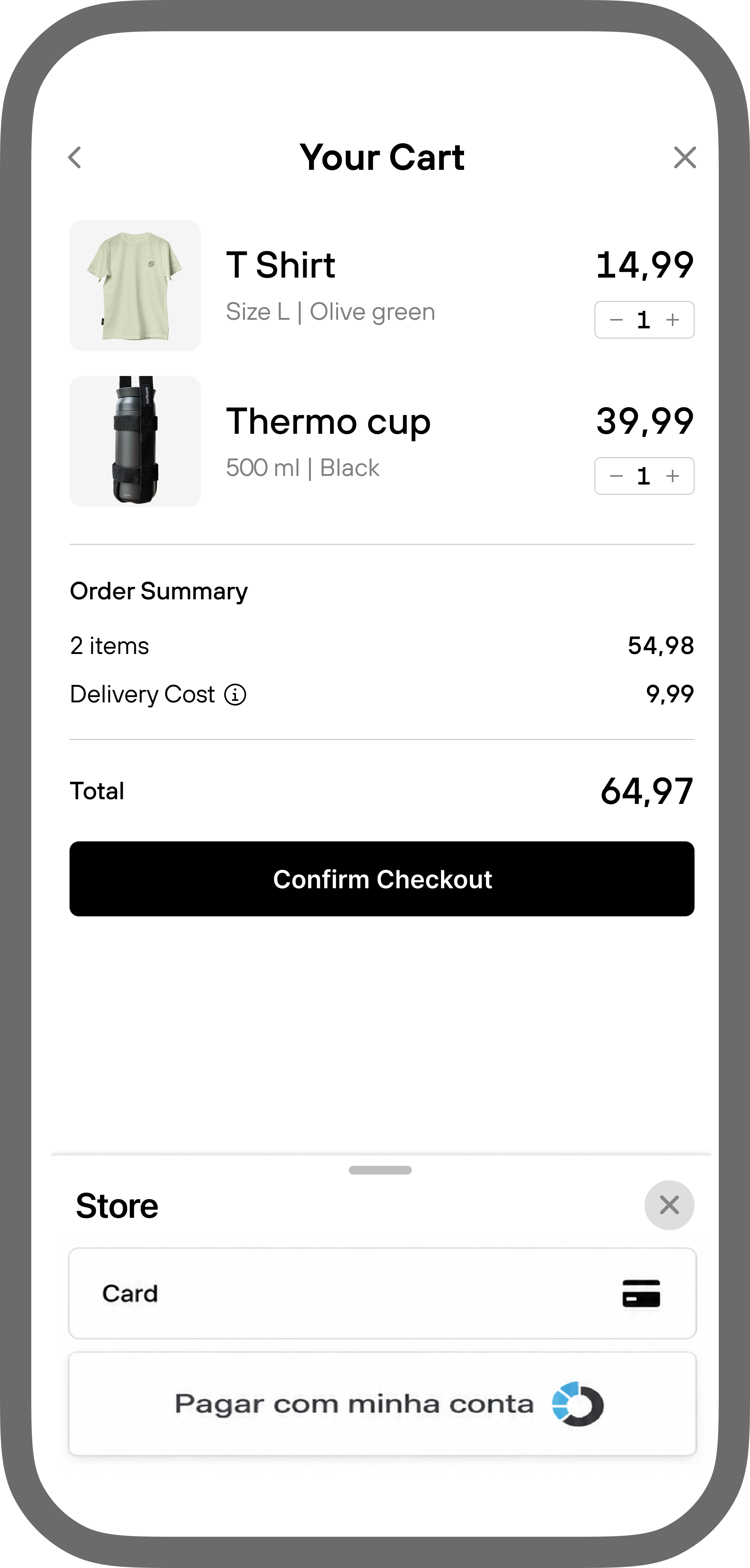
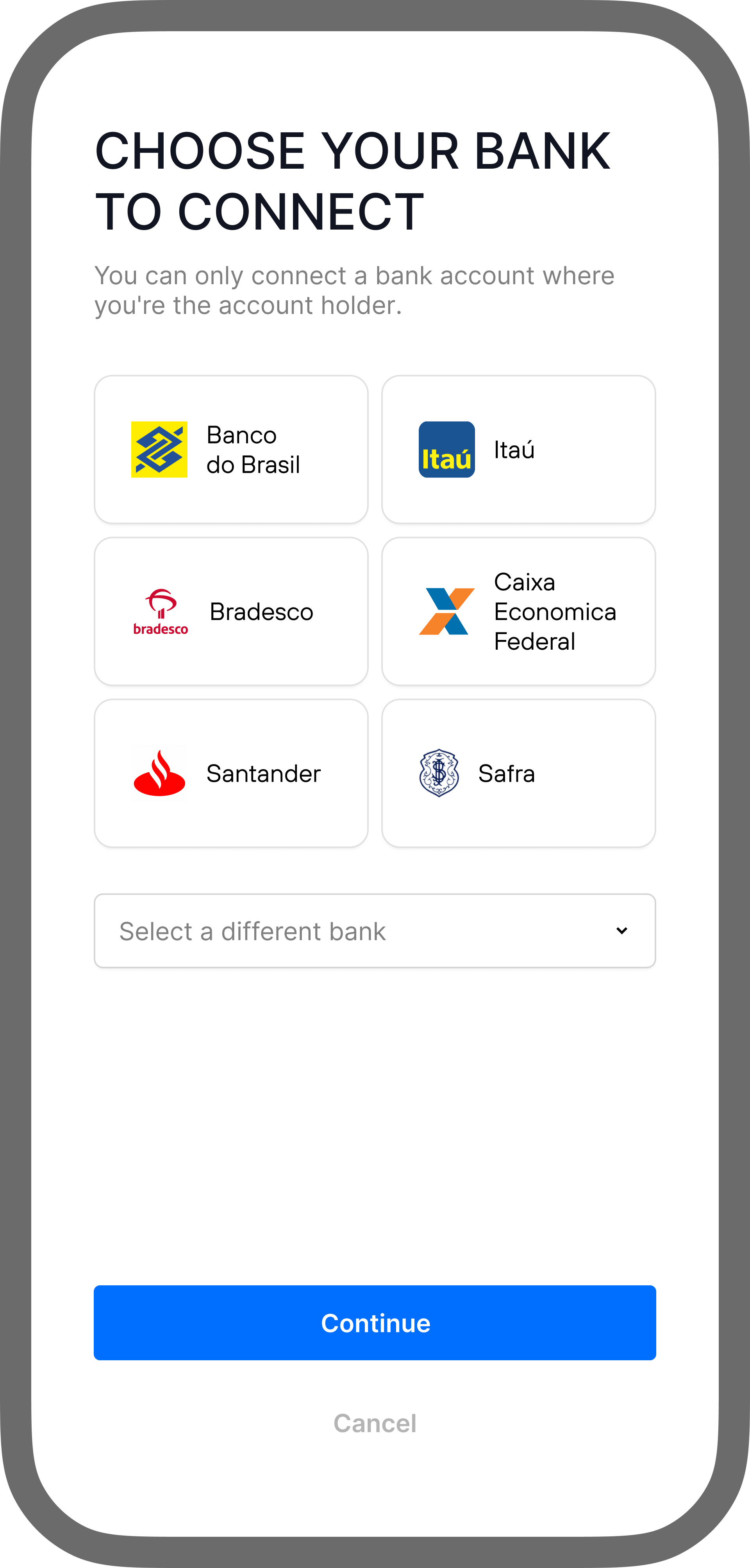
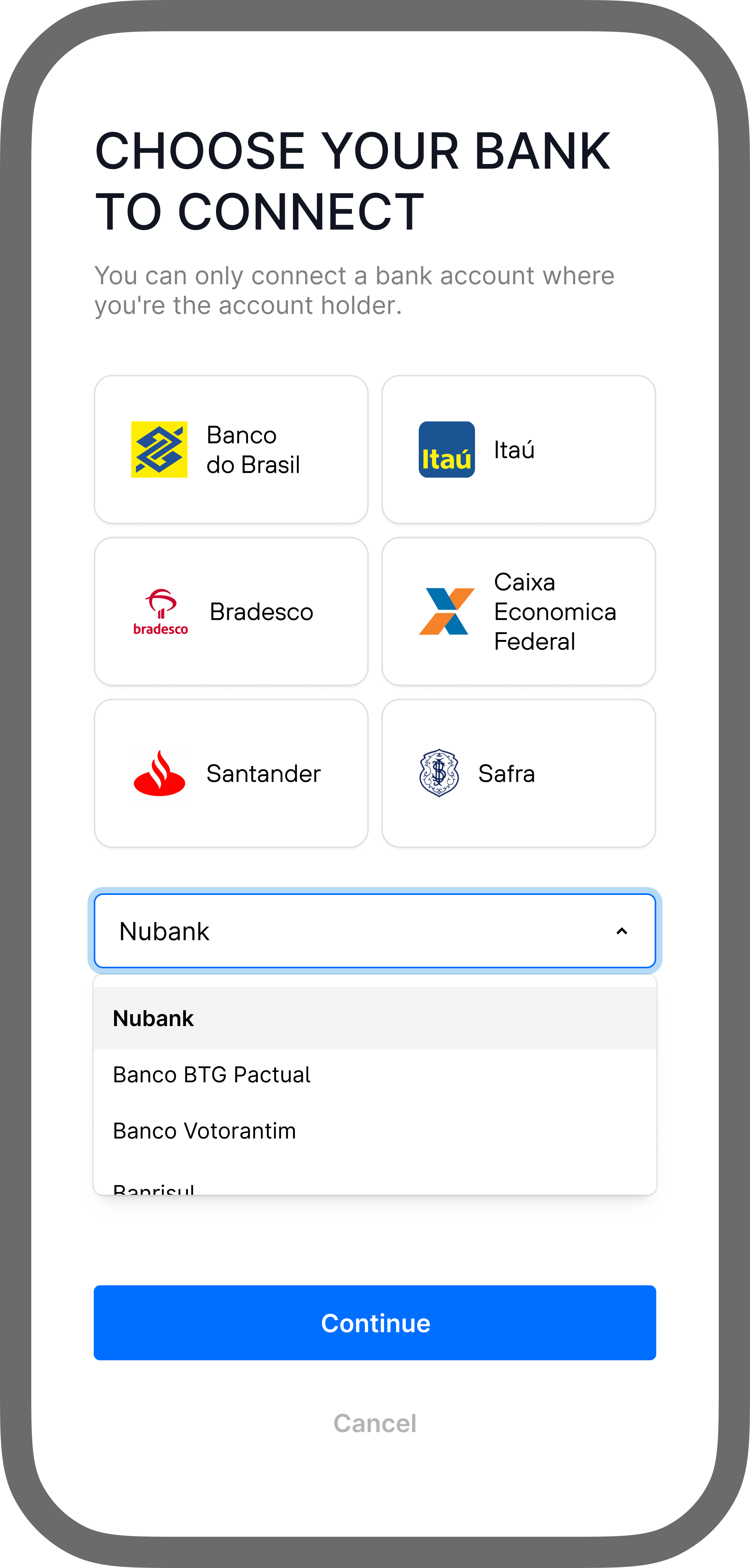
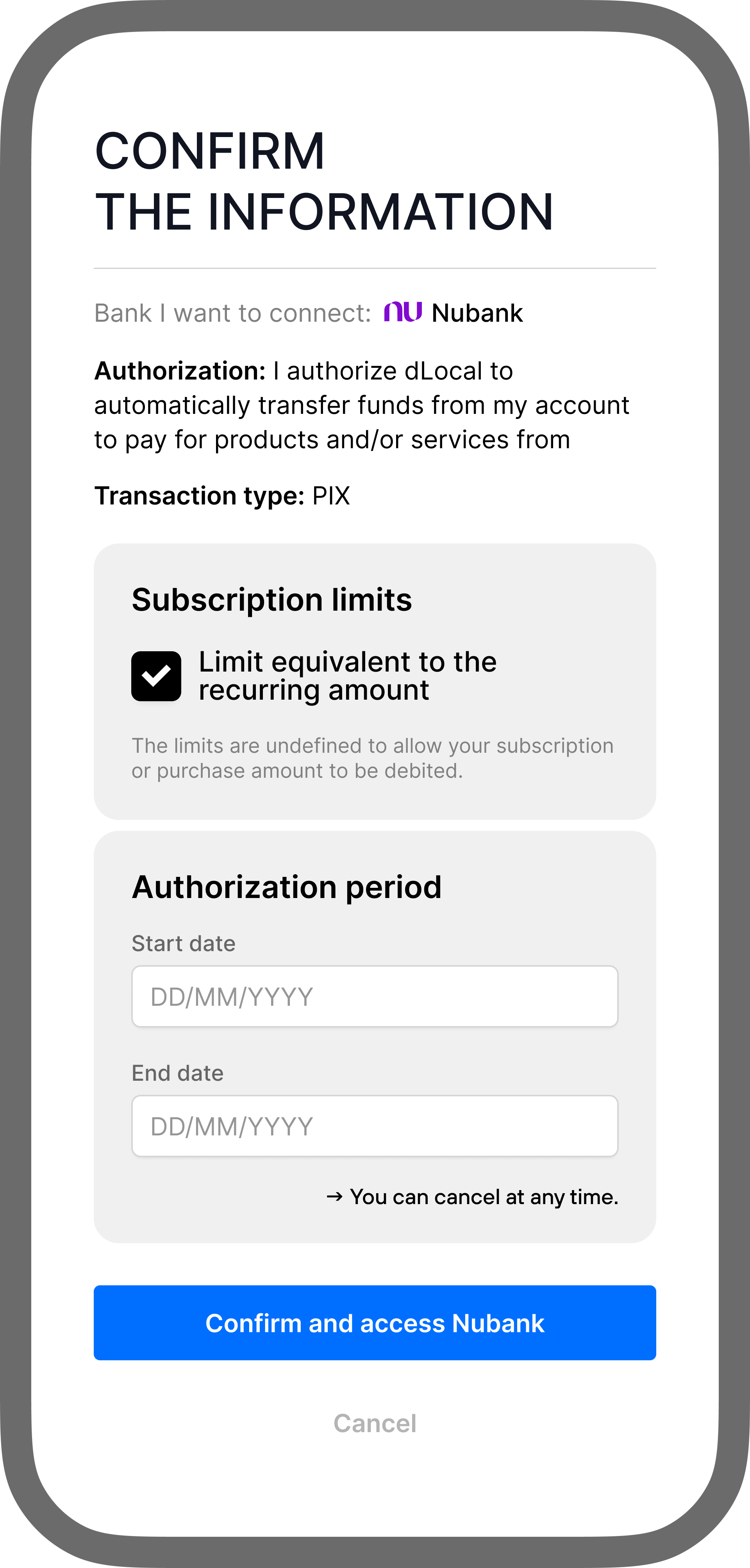

For SmartPix refunds, a connector can process the refund using the same Pix information the customer provided for the original payment.
If this time frame has passed, the connector emails the customer to request their bank information or Pix key to issue the refund.
- Pix key can be a CPF/CNPJ (Tax ID, Entity ID), an email address, a phone number, or a randomly generated key consisting of up to 32 characters.
Handle SmartPix errors
Specific errors may occur when a SmartPix payment attempt fails.
-
Guide
This error indicates an issue with the provided data format. 2.01 Invalid data
The decline may be related to an invalid or incorrectly formatted payer identification document (CPF). Retry the transaction and verify that the Guide
Configure BIN-based additional fields and styling, then verify supported browsers, translations, and iframe requirements before launching the payment form. document number is correct and matches the required format.