


| Countries | India (IN) |
| Currencies | Indian Rupee (INR) |
| Min amount | 29.50 INR |
| Max amount | Bank dependent |
| Integration type | API v1 |
| Payment Form |
| One-time | Yes | unscheduled |
| 1-click | Yes | unscheduled |
| Recurring | Yes | recurring |
| Unscheduled | Yes | unscheduled |
| Refund | Yes |
| Partial refunds | Yes |
| Multiple partial refunds | No |
| Chargeback | No |
UPI Intent is an app-to-app redirect flow. The merchant checkout launches the customer's UPI app with payment details prefilled via a deep link. No VPA entry is required. On desktop, the same deep link is rendered as a QR code for scanning. Set payment_method_flow to
redirect
.
UPI Intent is the recommended integration. It improves mobile conversion and enables QR checkout on desktop. NPCI guidelines effective February 2026 restrict manual VPA entry on mobile transactions, making Intent the compliance standard for mobile checkouts.
UPI Intent is the migration target for existing UPI Collect integrations, due to deprecation plans of the latter.
Principle of operation

- Selection at checkout
Customer selects UPI as the payment method. - Payment initiation
Send a payment request to Solidgate withpayment_method_flowredirect andfuture_usage.payment_typeunscheduled . Do not passfuture_usage.billing_period. Solidgate returns a UPI deeplink inpayment_type_data.deep_link_value. - App launch / QR display
On mobile, render buttons for specific UPI apps using deeplinks constructed from thedeep_link_value. On desktop, render thedeep_link_valueas a QR code for the customer to scan with their phone. - Authorization
The customer authorizes the payment in their UPI app by entering their UPI PIN. - Merchant notification
You receive a notification Webhook confirming the payment status.
- Selection at checkout
Customer selects UPI as the payment method and initiates mandate authorization. - Mandate initiation
Send a payment request to Solidgate withpayment_method_flowredirect ,future_usage.payment_typerecurring , plusfuture_usage.max_amountandfuture_usage.billing_period. Solidgate returns a UPI deeplink inpayment_type_data.deep_link_value. - App launch / QR display
On mobile, render buttons for specific UPI apps using deeplinks constructed from thedeep_link_value. On desktop, render thedeep_link_valueas a QR code for the customer to scan with their phone. - Mandate authorization
The customer reviews the mandate terms, including maximum charge amount and billing frequency, and authorizes the setup by entering their UPI PIN. A token is issued for subsequent charges. - Merchant notification
You receive a notification Webhook confirming the payment status.


Recurring payments
Recurring payments up to ₹15,000 per individual transaction are processed without customer intervention. For amounts above ₹15,000 per transaction, an additional authentication factor is required for each debit. These debits are not supported.
Customer receives a notification 24 hours before the scheduled charge.
- If the customer declines the follow-up charge, a decline response is returned.
- If the customer does not decline the charge, a success response is issued.
When creating the initial payment, specify the amount to be debited for future subscription charges. This amount appears in the customer’s UPI app when the mandate is created. The mandate authorizes follow-up payments.
Any payment below the amount specified in the initial request occurs without additional confirmation from the customer. However, the customer still receives notifications the day before the follow-up payment and can cancel the subscription at any time.
Billing periods
The future_usage.billing_period maps to the UPI Autopay mandate frequency. Only the combinations of billing_period.unit and billing_period.value below are accepted.
billing_period.unit | billing_period.value | Interval |
|---|---|---|
| day | 1 | Daily |
| day | 7 | Weekly |
| week | 1 | Weekly |
| month | 1 | Monthly |
| year | 1 | Yearly |
These rules apply when the billing period is sent directly in future_usage.billing_period and when you use product_id, the product configuration must match the table.
UPI Intent checkout
The
init payment
API
response contains payment_type_data.deep_link_value, a generic UPI URI. One-time payments use
upi://pay
. Recurring payments use
upi://mandate
.
|
|
|
|
Render the deep_link_value as a QR code. Display logos of supported UPI apps above the QR code. Show a countdown timer reflecting the 15 minute session window. Generate the QR code directly from the URI. Do not use a payment provider's QR generation API.
Render a button for each supported UPI app. Construct app specific deeplinks by replacing the generic prefix in deep_link_value with an app specific scheme.
Replace the generic upi://pay prefix with the scheme for the selected app.
| UPI app | App specific scheme |
|---|---|
| Google Pay | tez://upi/pay |
| PhonePe | phonepe://pay |
| Paytm | paytmmp://pay |
| CRED | credpay://upi/pay |
| BHIM | bhim://upi/pay |
| Navi | navi://pay |
| Amazon Pay | amazonpay://upi/pay |
| Generic | upi://pay |
Example deep links after replacing
upi://pay
in deep_link_value:
|
|
|
|
|
|
Replace the generic upi://mandate prefix with the scheme for the selected app.
| UPI app | App specific scheme |
|---|---|
| Google Pay | tez://upi/mandate |
| PhonePe | phonepe://mandate |
| Paytm | paytmmp://upi/mandate |
| CRED | credpay://upi/mandate |
| BHIM | bhim://upi/mandate |
| Navi | navi://mandate |
| Amazon Pay | amazonpay://upi/mandate |
| Generic | upi://mandate |
Example deep links after replacing
upi://mandate
in deep_link_value:
|
|
|
|
|
|
Payment Form
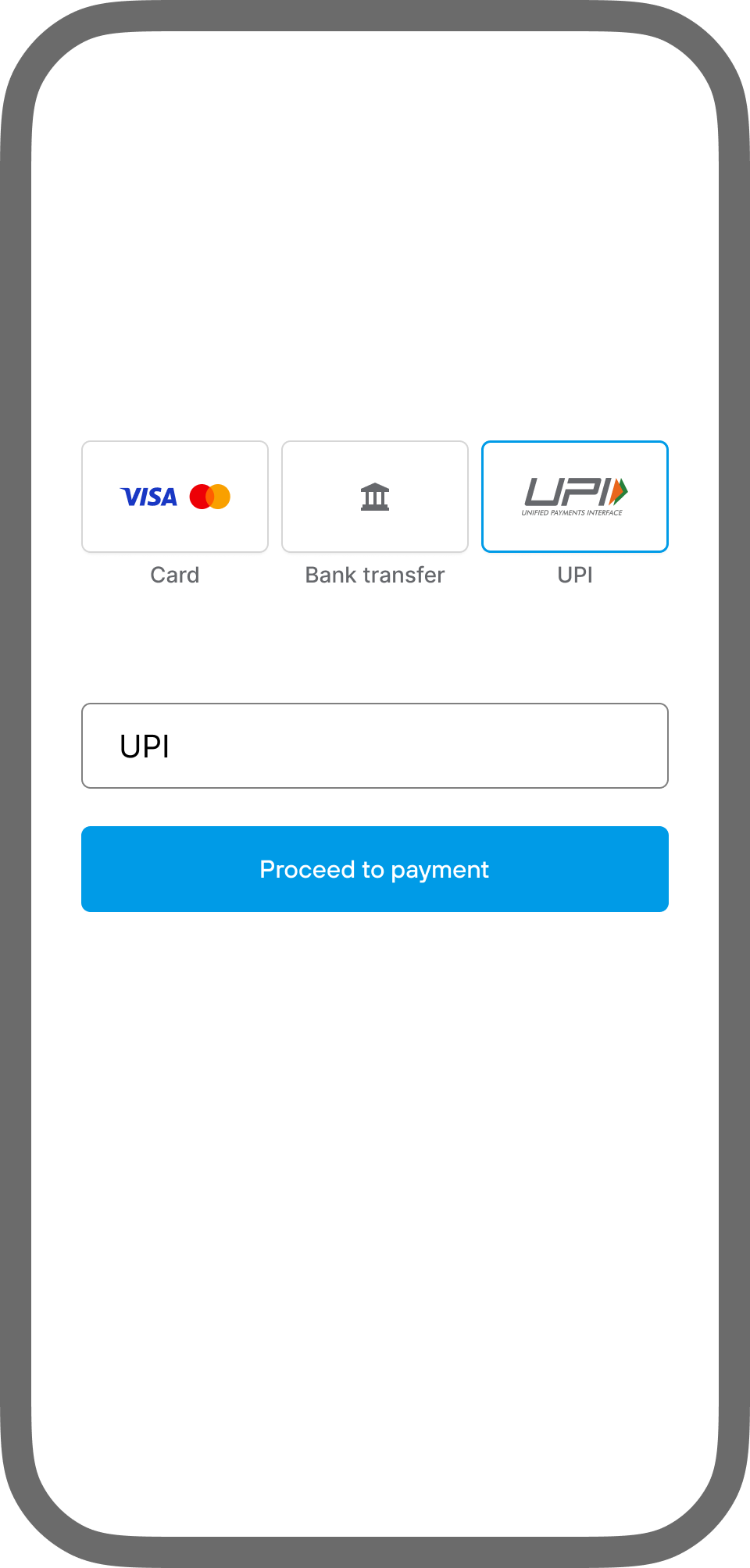
Integrate UPI Intent via APM buttons. Payment Form detects the device and renders the Intent flow on mobile or a QR code on desktop. Set upiButtonParams.enabled to
true
to display the button when UPI is enabled for the merchant.
Do not use a payment provider QR generation API. Payment Form generates the QR directly from the Intent deep link returned in payment_type_data.deep_link_value.
- Selection at checkout
Customer selects UPI on the Payment Form. - App selection
Payment Form displays up to 6 to 8 UPI apps. Top apps appear first: Google Pay, PhonePe, Paytm, BHIM. Additional apps are under Show all. - App launch
Customer selects an app and is redirected to authenticate and confirm. On iOS, Payment Form replaces the generic prefix with the per-app scheme before opening the deep link. - Payment result
Payment Form receives the result via webhook and transitions to the success or error screen.
- Selection at checkout
Customer selects UPI on the Payment Form. - QR display
Payment Form generates a QR code from the Intent deep link and displays supported UPI app logos above it. - Scan and authorize
Customer scans the QR with their UPI app, then authenticates and confirms in the app. - Payment result
Payment Form receives the result via webhook and transitions to the success or error screen. If the session expires, the QR is marked expired and the customer is prompted to restart.
Supported UPI apps
| Platform | Apps |
|---|---|
| Android | Google Pay, PhonePe, CRED, Paytm, BHIM, Amazon Pay, iMobile by ICICI, PayZapp, Mobikwik, Navi |
| iOS | Google Pay, PhonePe, CRED, Paytm, BHIM |
Schemes for additional apps are added to the
Guide
Check the latest updates, feature releases, API changes, and product improvements within the Solidgate orchestration platform.
changelog
as they are confirmed.
Required paymentIntent fields
Pass these fields when initializing the Payment Form for UPI Intent.
payment_method_flowredirectfuture_usage.payment_type-
unscheduled
for one-time. Do not pass
future_usage.billing_period. -
recurring
for recurring,
future_usage.max_amount, andfuture_usage.billing_periodRequired
-
unscheduled
for one-time. Do not pass
customer_email,customer_first_name,customer_last_name,customer_phonebilling_address.countryandbilling_address.zip
The
Guide
Add alternative payment method buttons to your payment form with customizable styling, placement, and method-specific display conditions.
UPI Intent button configuration
contains the full paymentIntent payload and upiButtonParams object.
|
|
|
|
|
|
|
|
|
|
|
|
Mandates
future_usage.max_amount sets the maximum single charge amount the customer preauthorizes during mandate creation. It is displayed to the customer in their UPI app. Provide the value in paise, the minor currency unit. Any charge above this amount is declined.
- This field is
required
if no
product_idorproduct_price_idis provided.
future_usage.billing_period sets the recurring billing interval for the UPI mandate.
- This field is
required
when
payment_typeis recurring and noproduct_idorproduct_price_idis provided.
Mandate display at checkout
Merchants must display mandated terms clearly at checkout, including the maximum charge amount and billing frequency, so customers can review them before mandate creation.
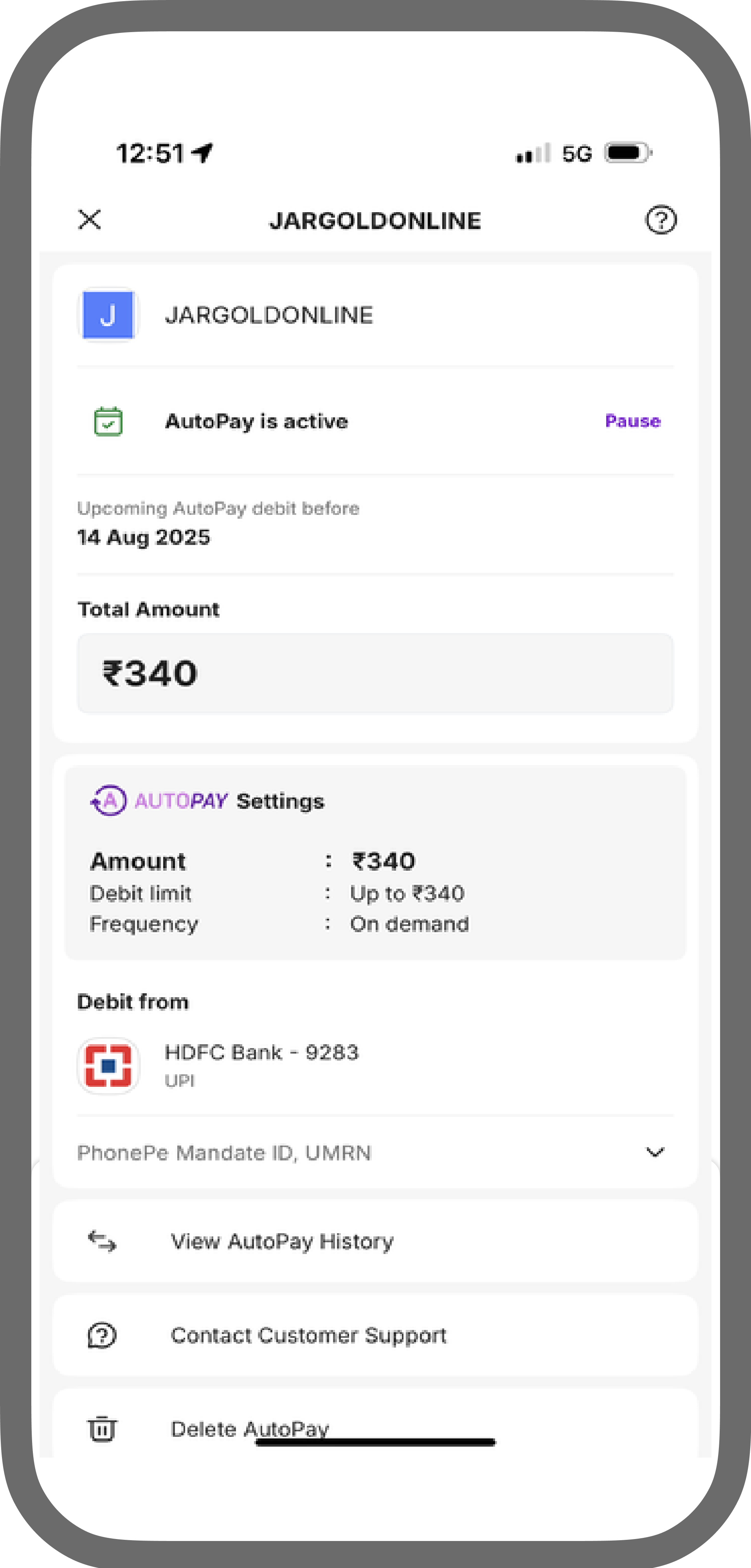
Customers can revoke a mandate at any time in their UPI app by selecting Delete AutoPay. Solidgate does not cancel the associated subscription immediately. The next charge attempt fails with
Guide
Invalid card token.
5.02
, then the subscription is cancelled with cancel code
Guide
The customer revoked the billing token by contacting customer support or the bank.
8.11
Token revoked by customer. Merchants receive the failed payment
notification
Webhook
and the subscription cancel webhook.
Handle UPI errors
Specific errors may occur when a UPI payment attempt fails.
-
Guide
The payment was not completed within the allocated timeframe, leading to order expiration. 0.02 Order expired
Customer did not complete authorization within the 15 minute session window. -
Guide
This error indicates an issue with the provided data format. 2.01 Invalid data
Invalid or incorrectly formatted request fields. Validatecustomer_phone(E.164, digits andbilling_address.zip(6 characters for India), andbilling_address.citywhen provided.