


Use these tips to implement and validate the Payment Form effectively. They act as early validation steps, covering everything from BIN-based extra fields and custom styles to browser support and iframe requirements. This helps you spot gaps early, speed up launch, and accept payments confidently.
Additional fields

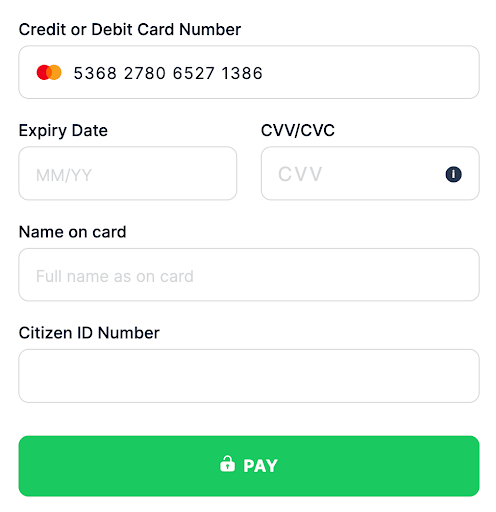
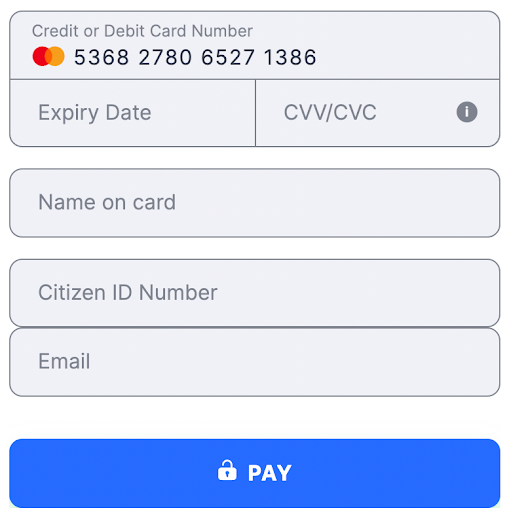
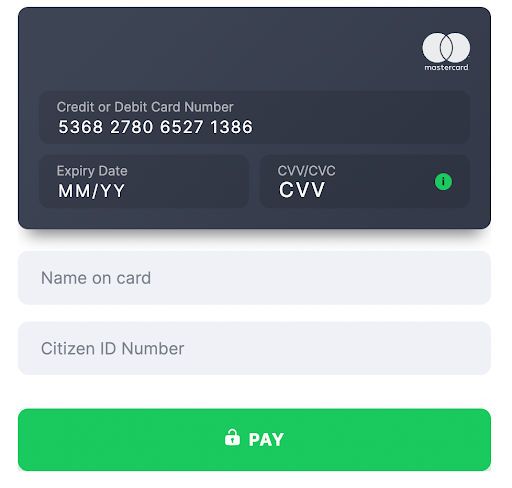
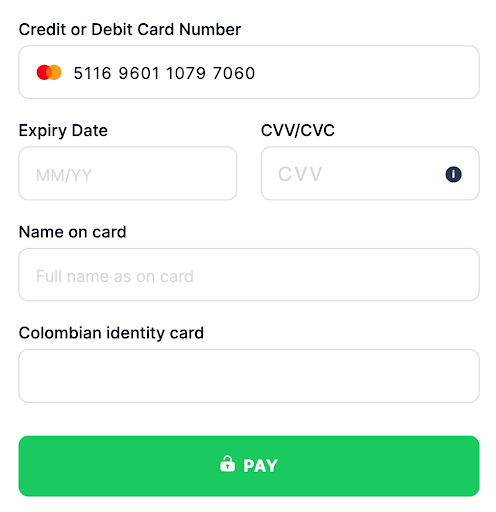
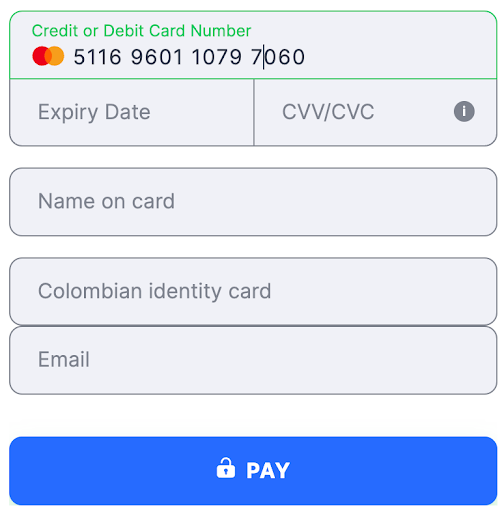
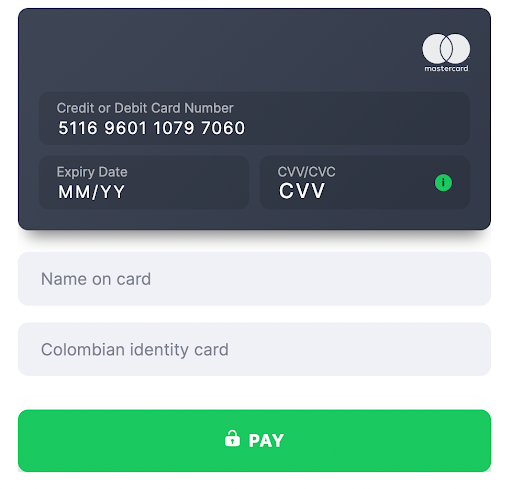
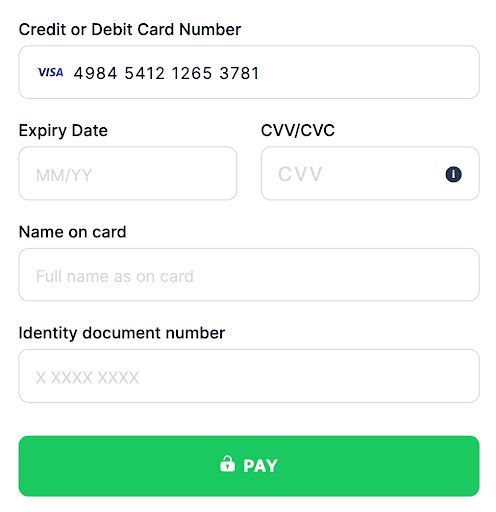
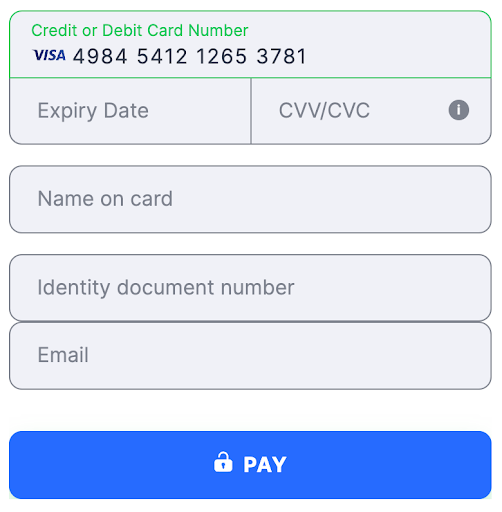
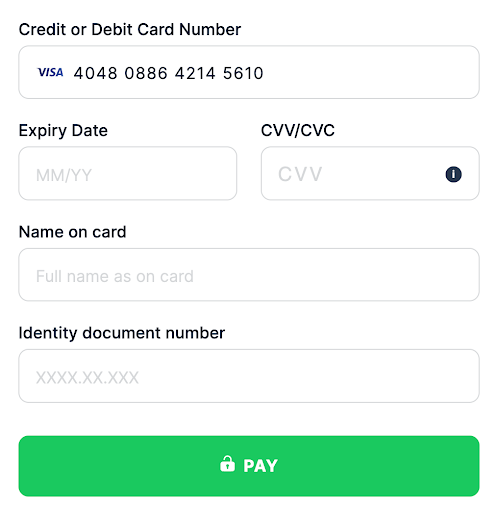
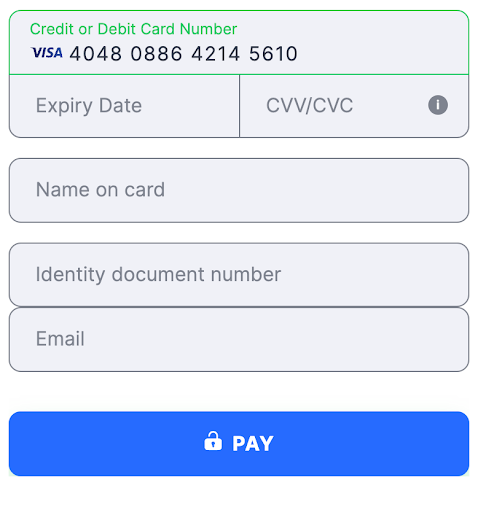
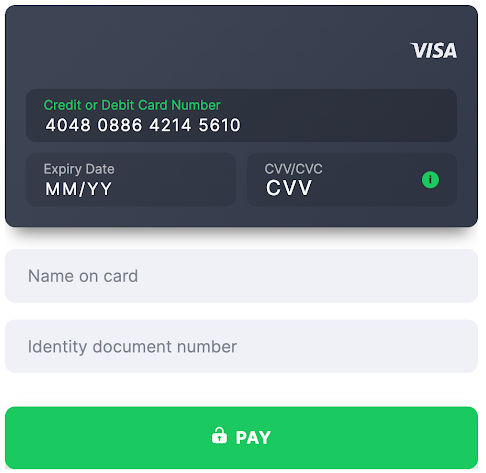
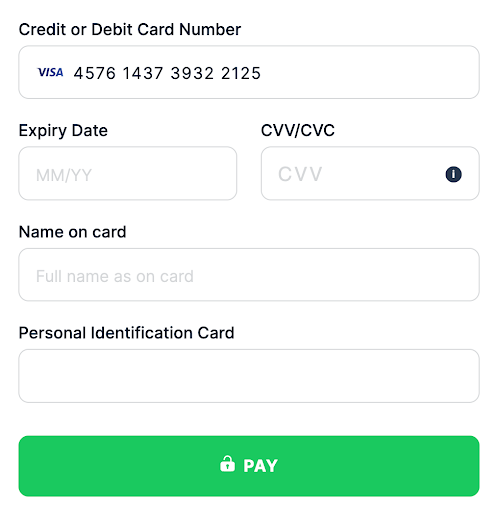
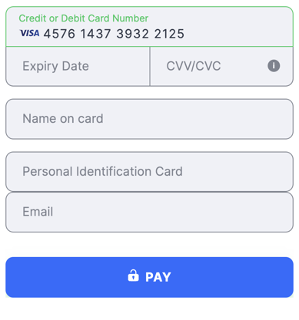
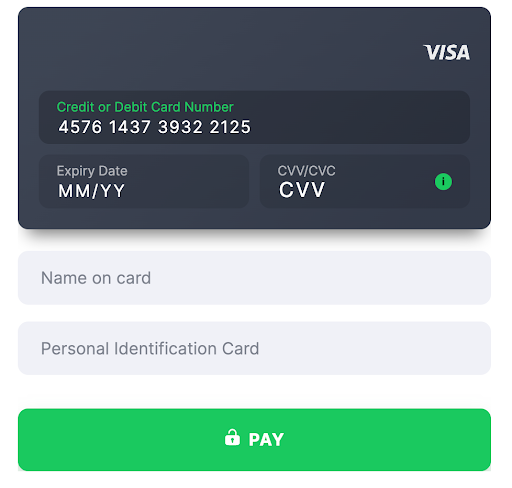
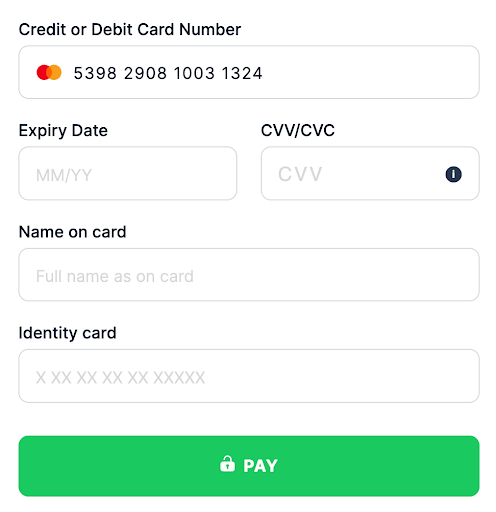
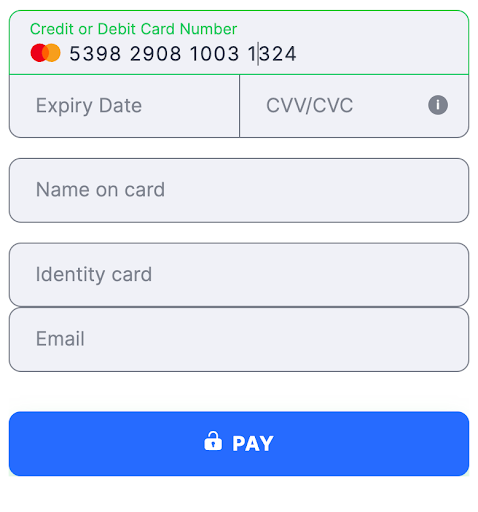
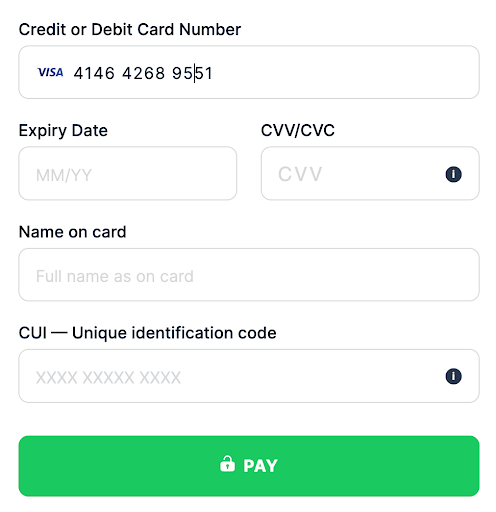
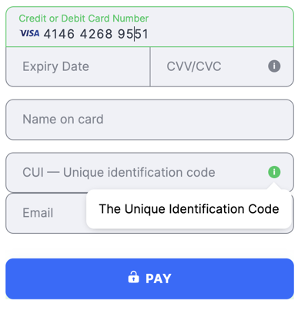
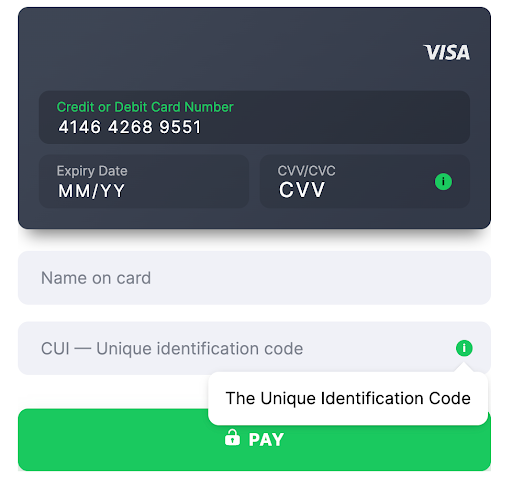
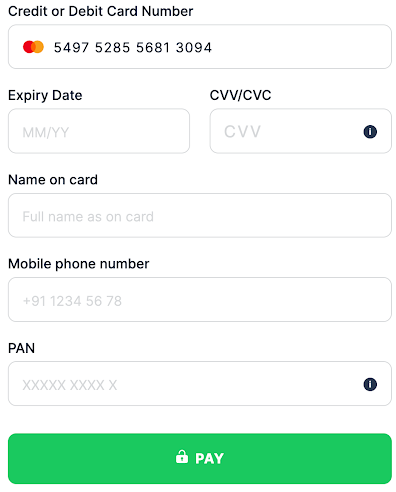
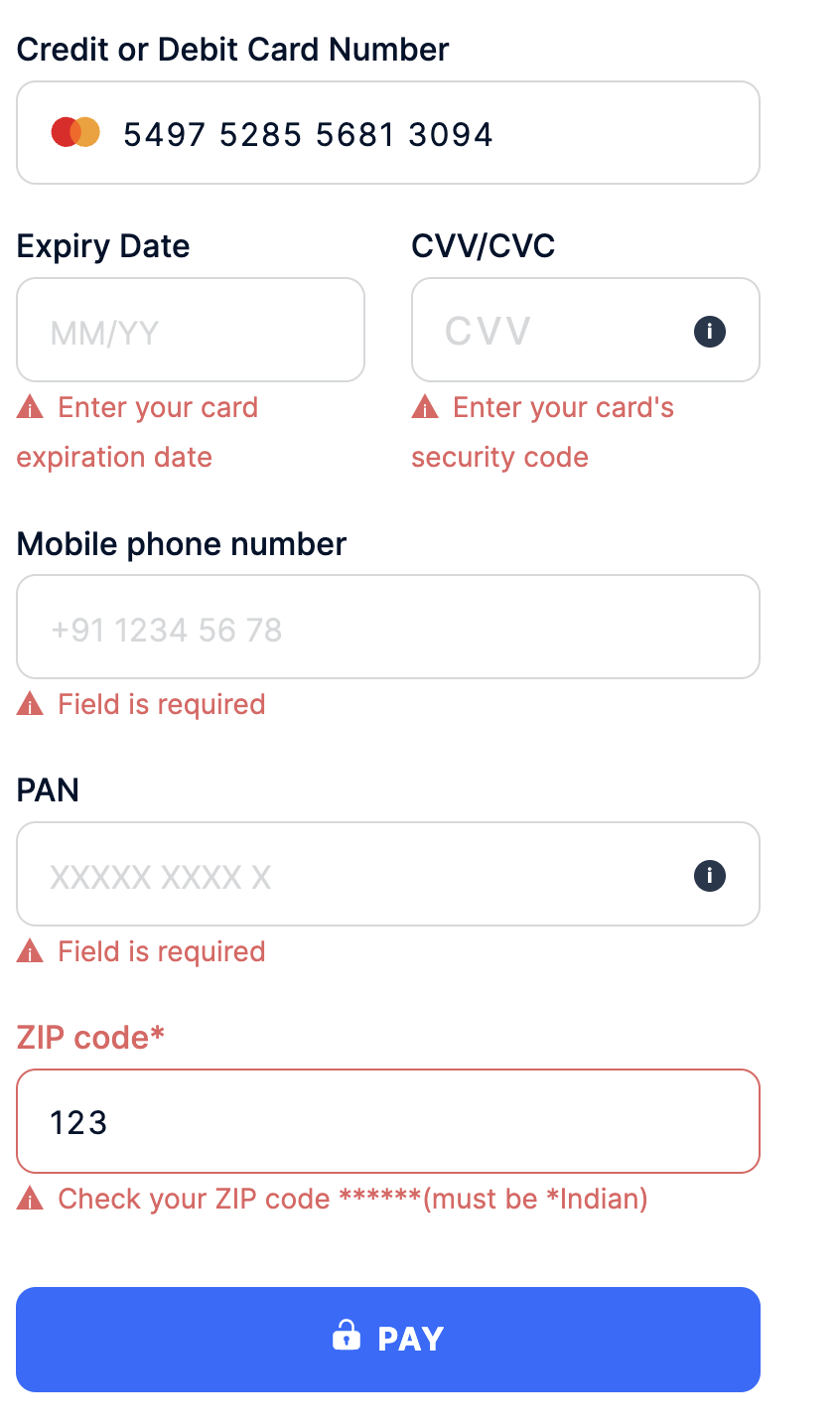
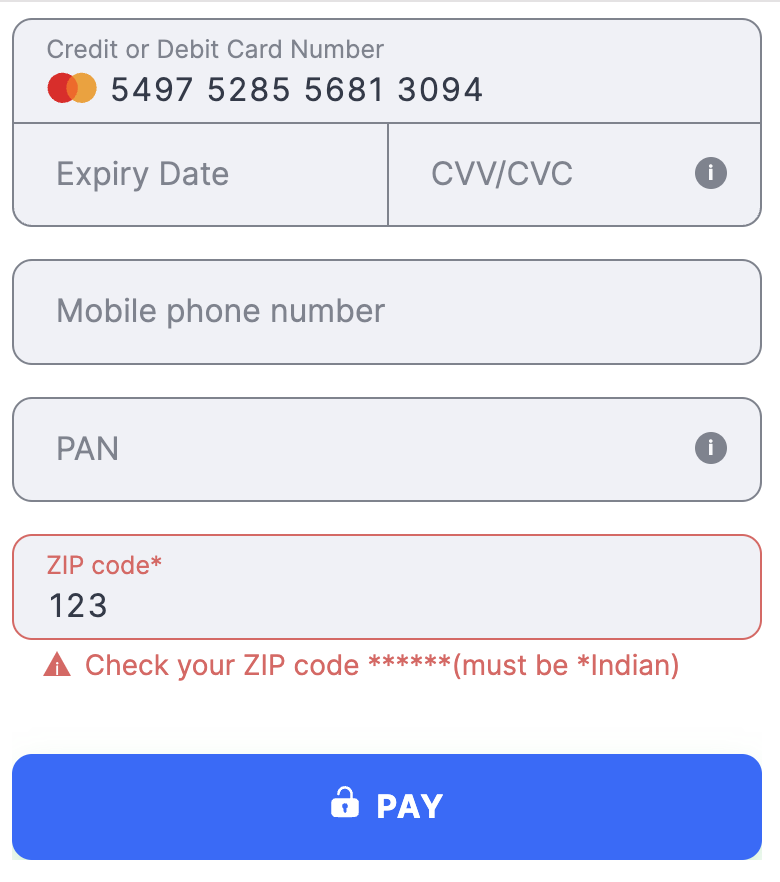
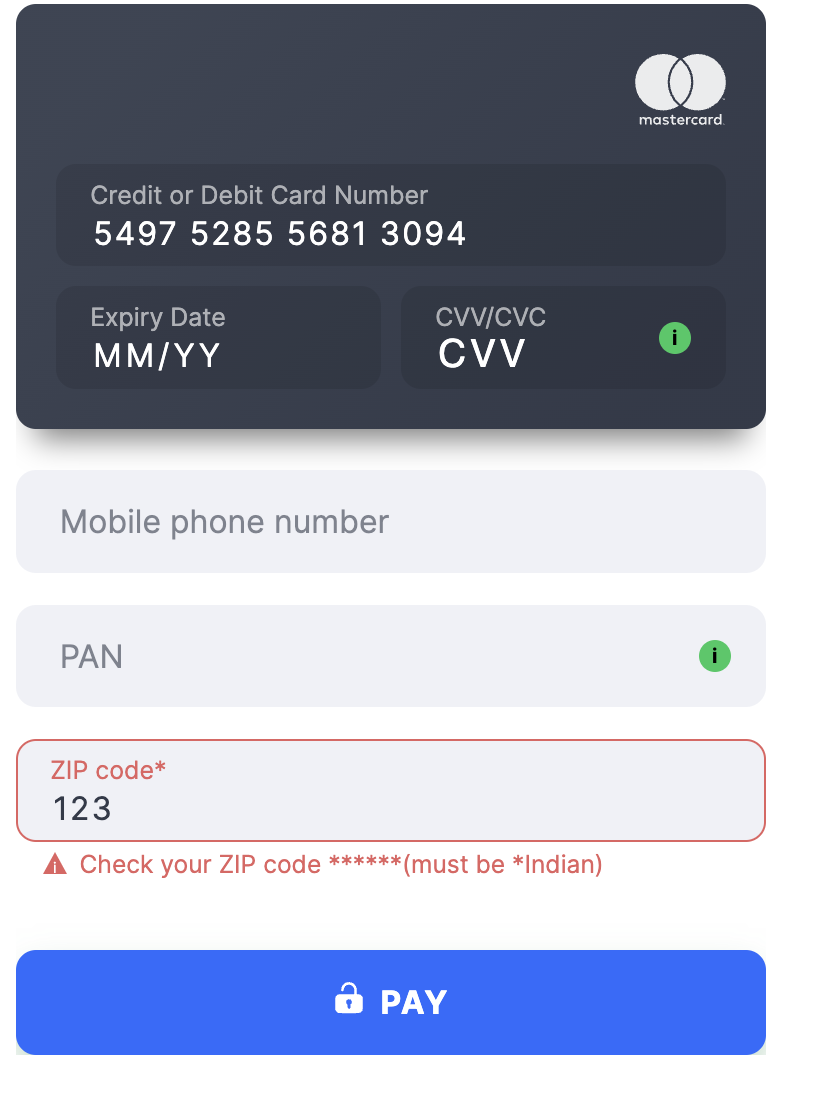
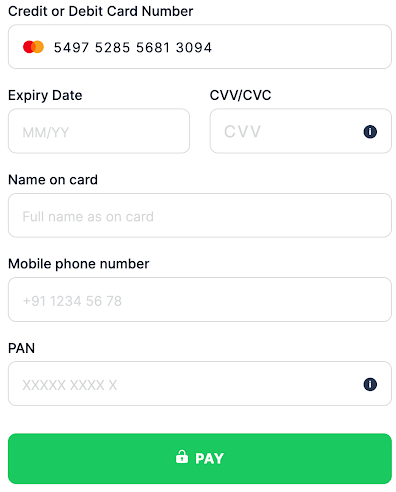
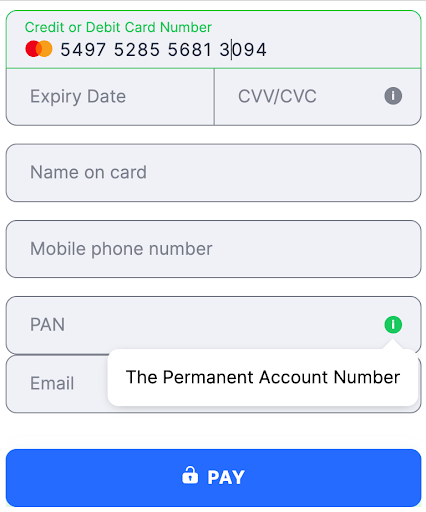
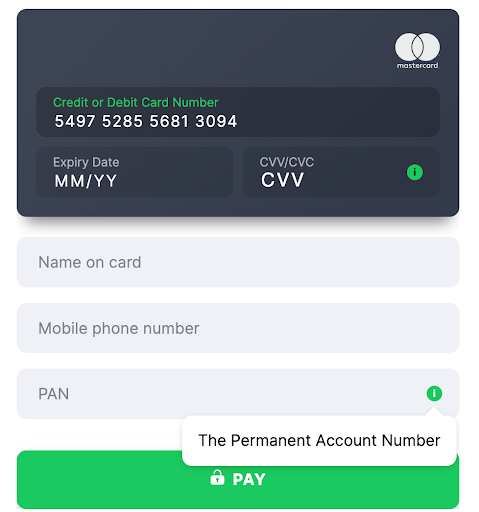
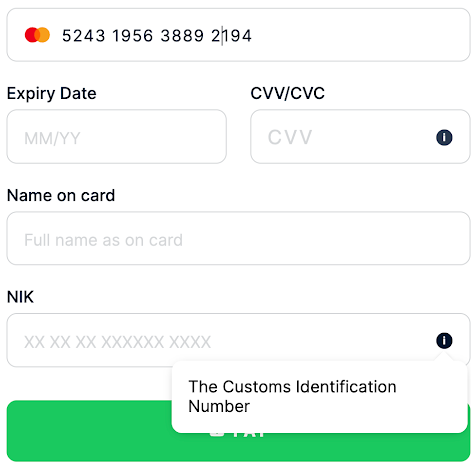
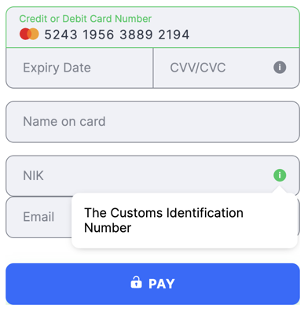
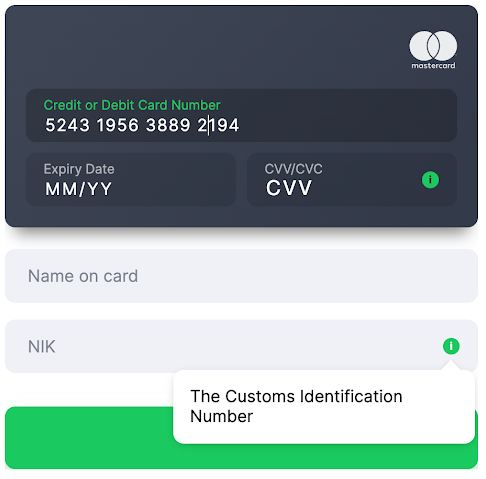
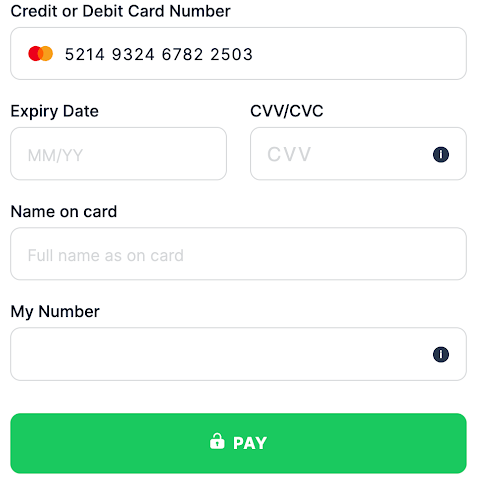
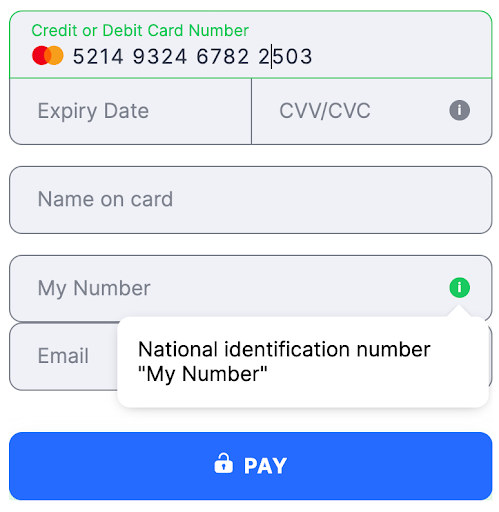
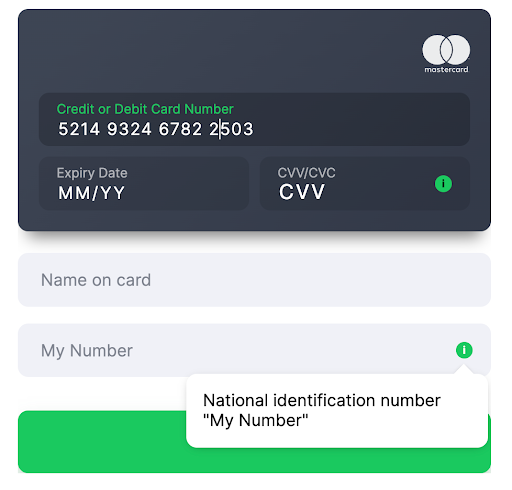
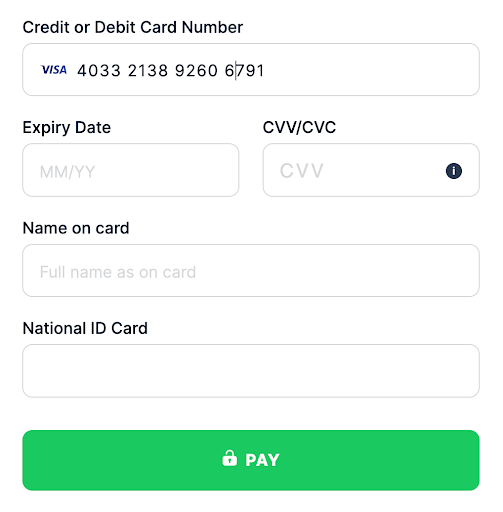
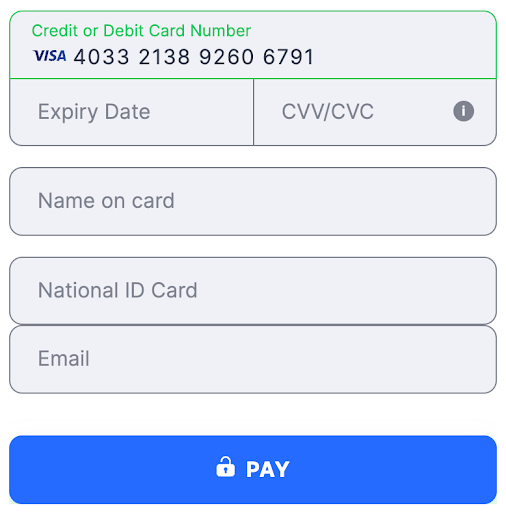
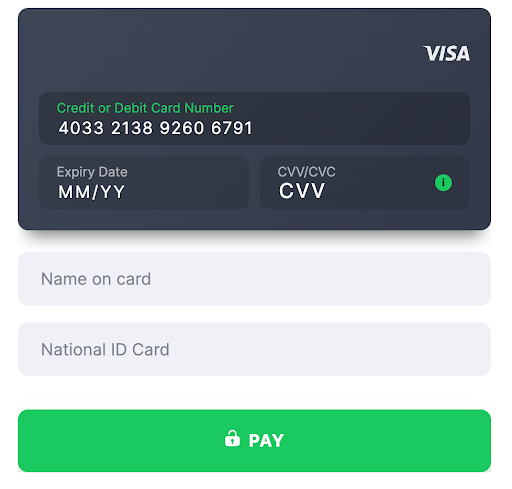
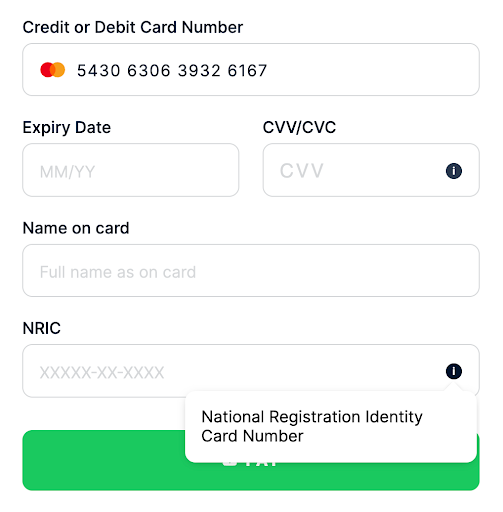
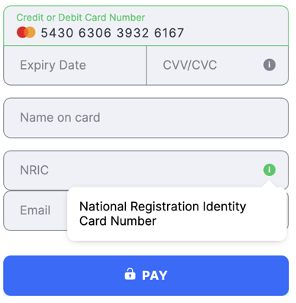
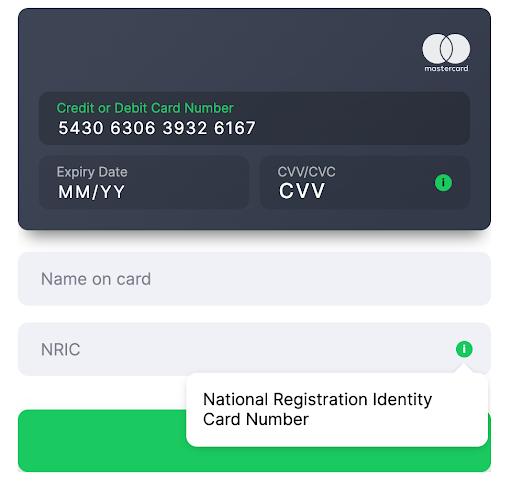
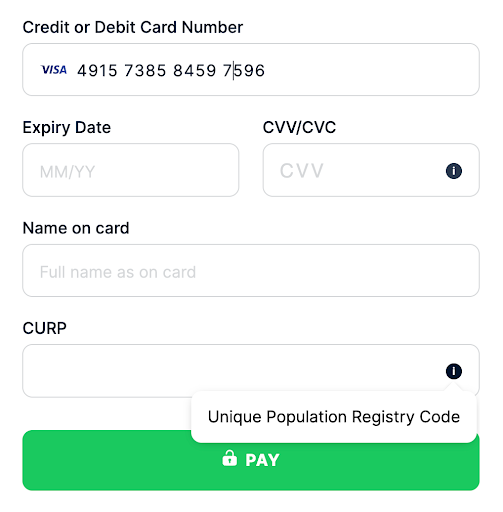
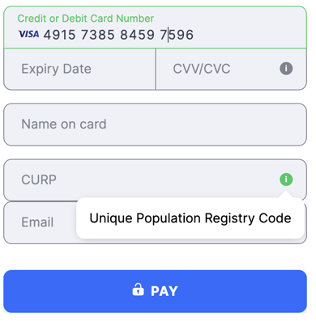
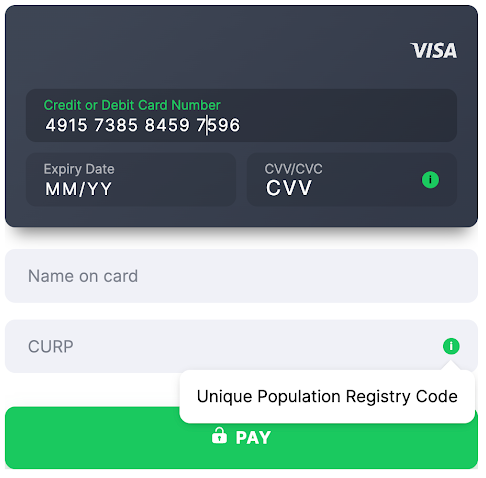
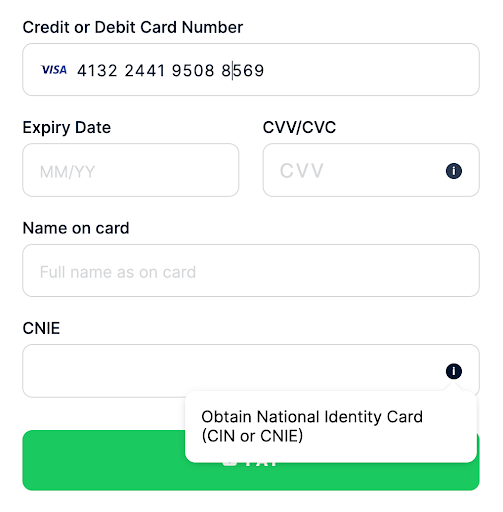
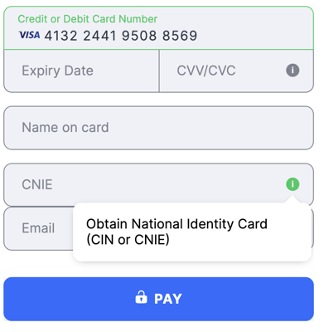
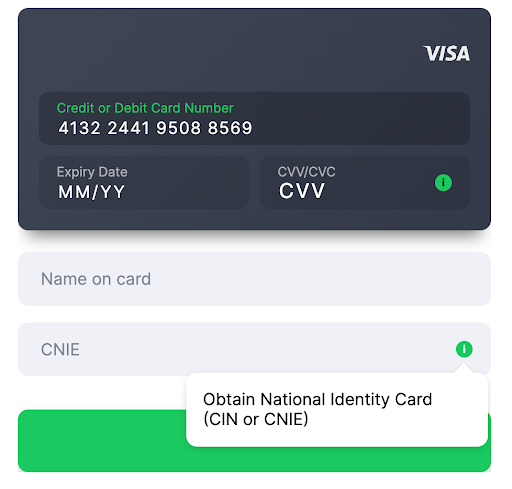
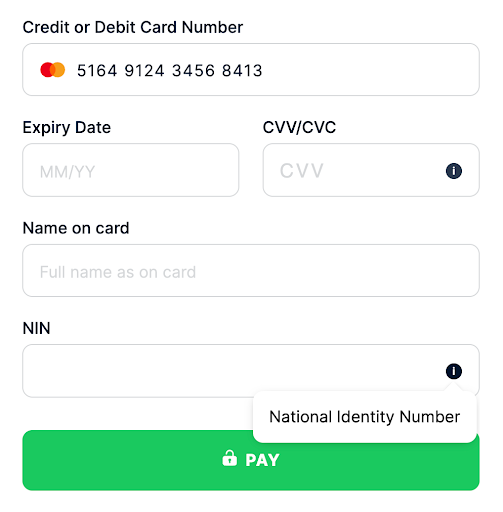
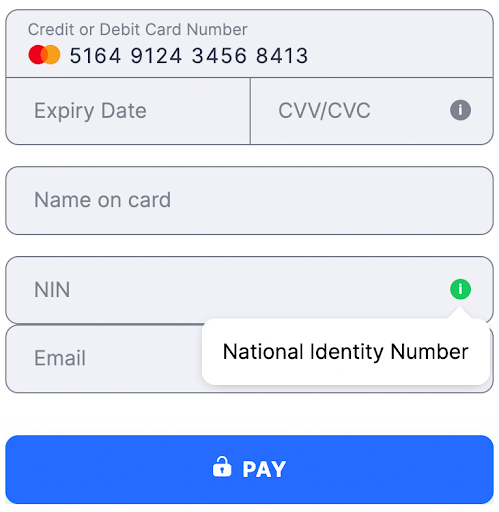
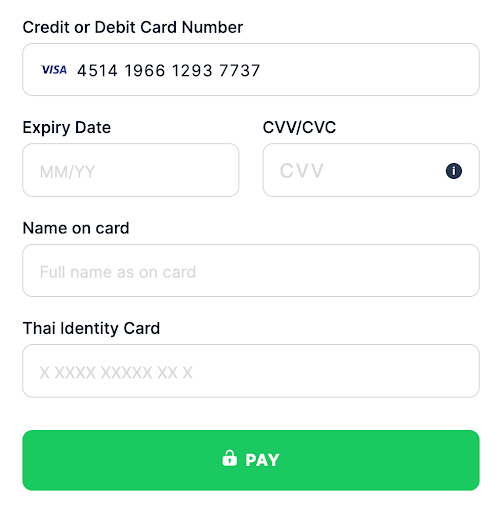
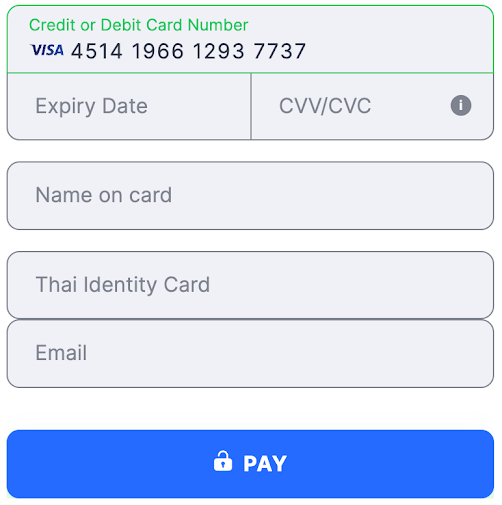
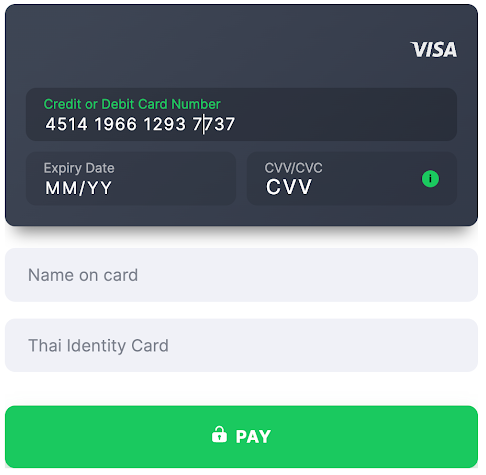
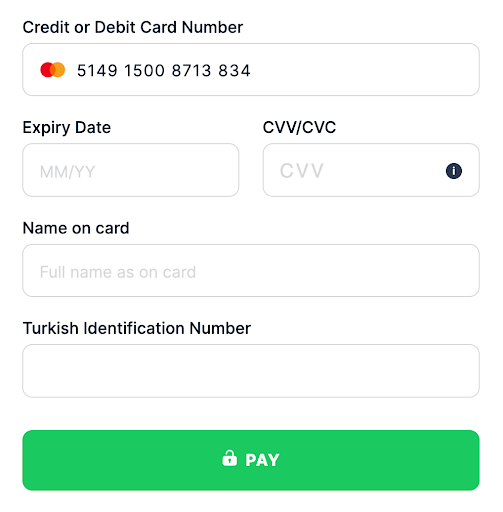
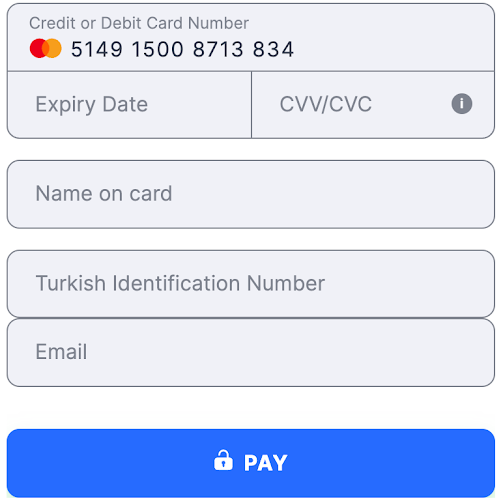
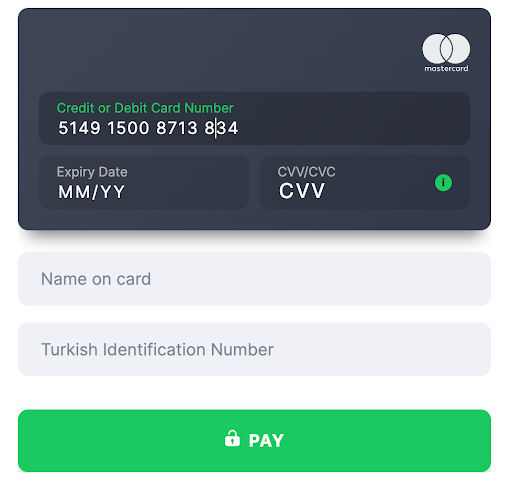
The Payment Form checks the Card BIN and receives a list of necessary additional fields according to information about the BIN country (the first six digits).
Also, depending on the provider, the customer’s phone number parameter is often used to verify the identity of the person making a payment, such as with india_pan in India.


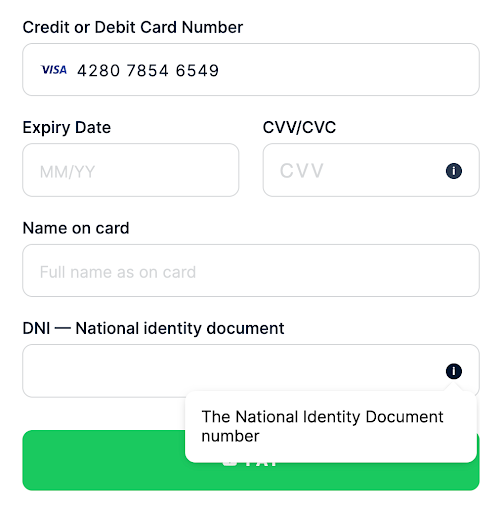
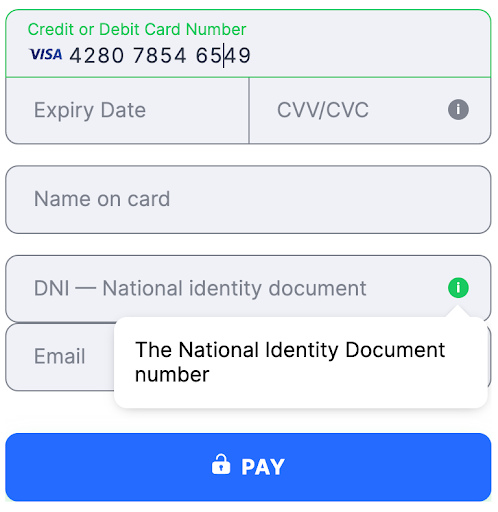
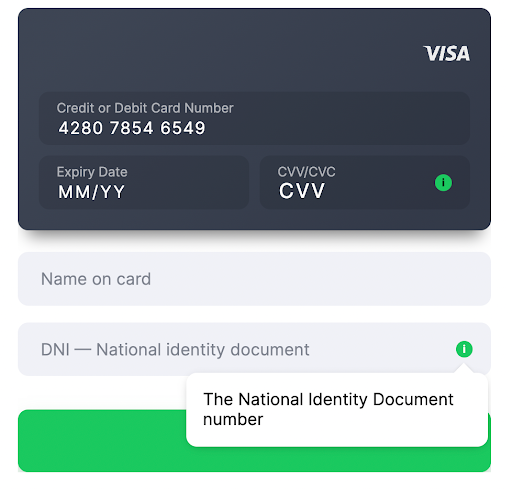
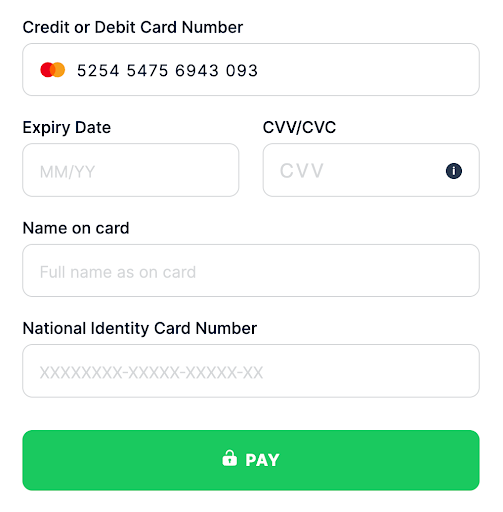
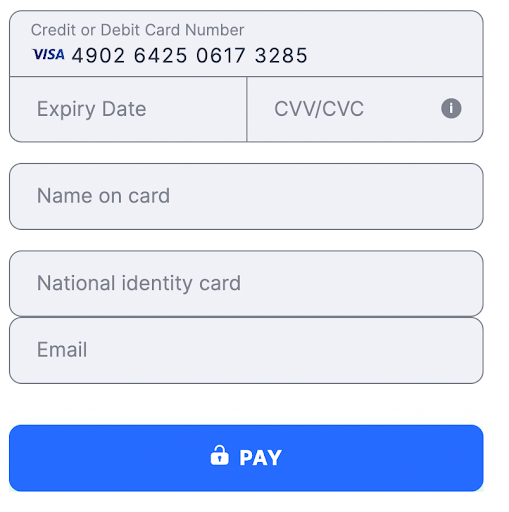
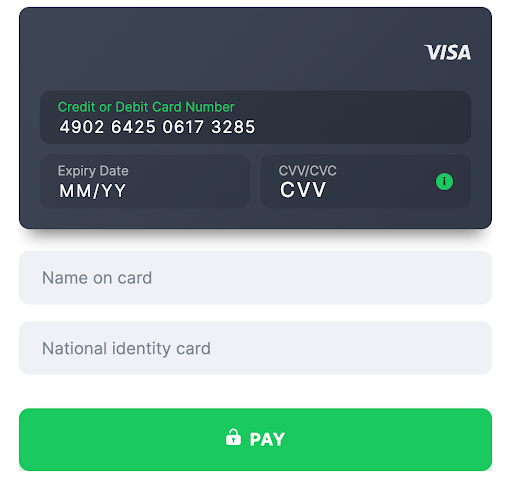
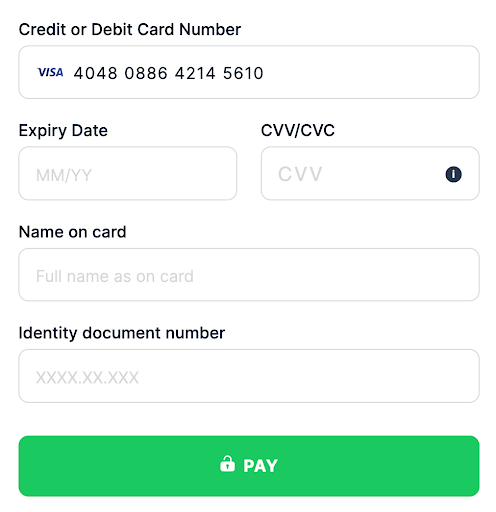
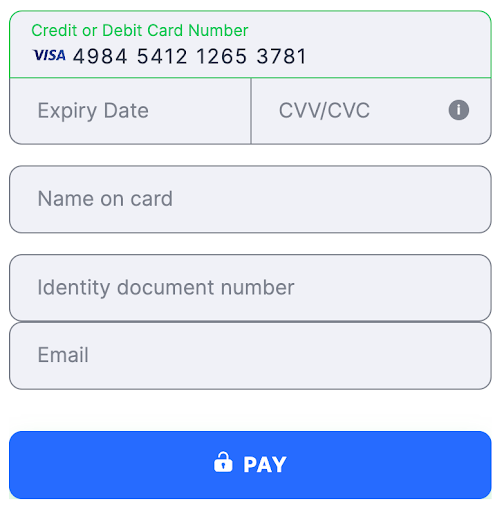
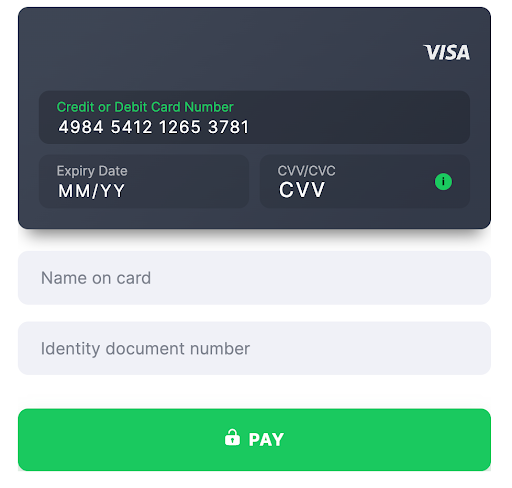
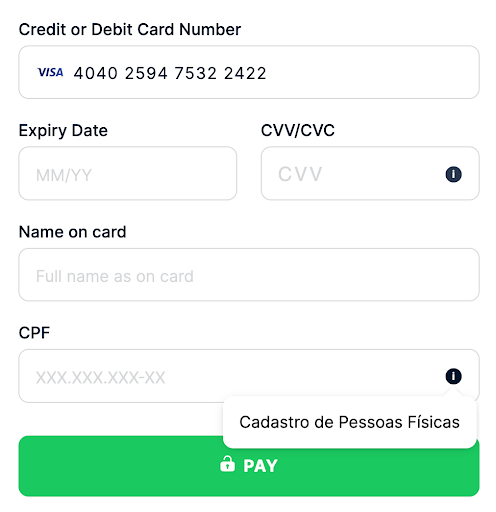
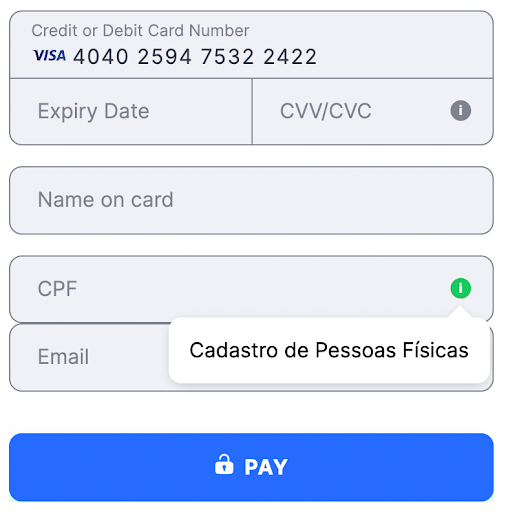
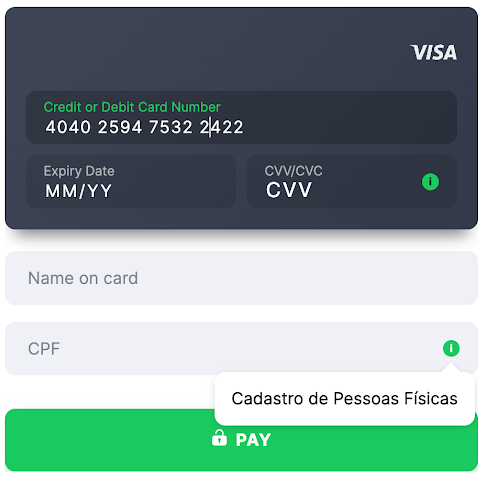
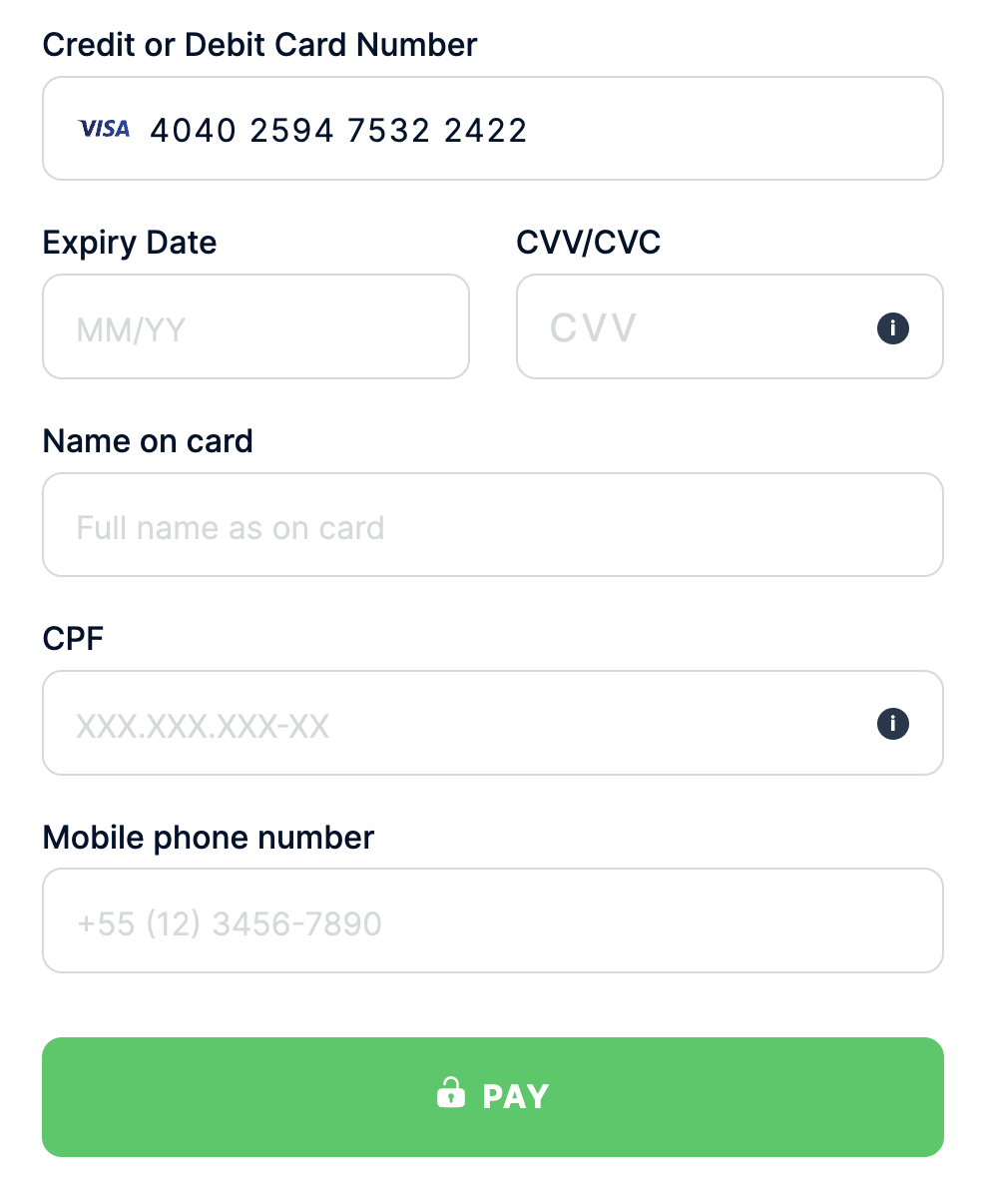
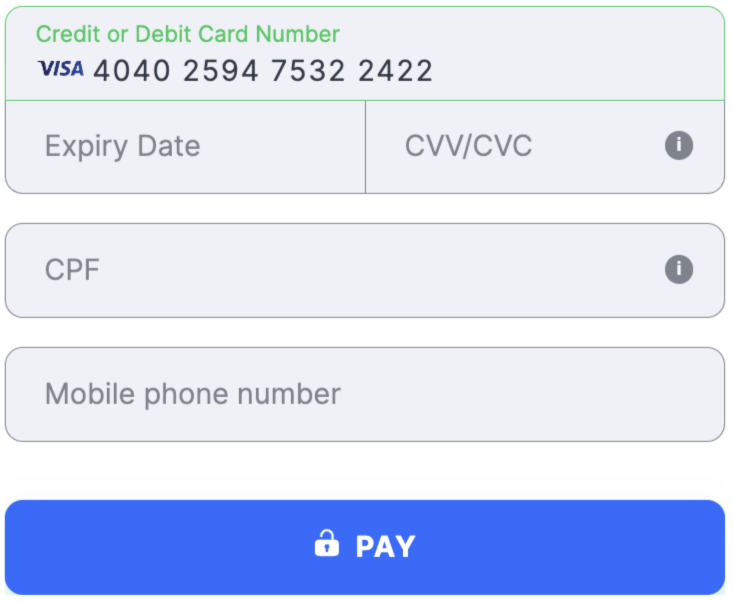
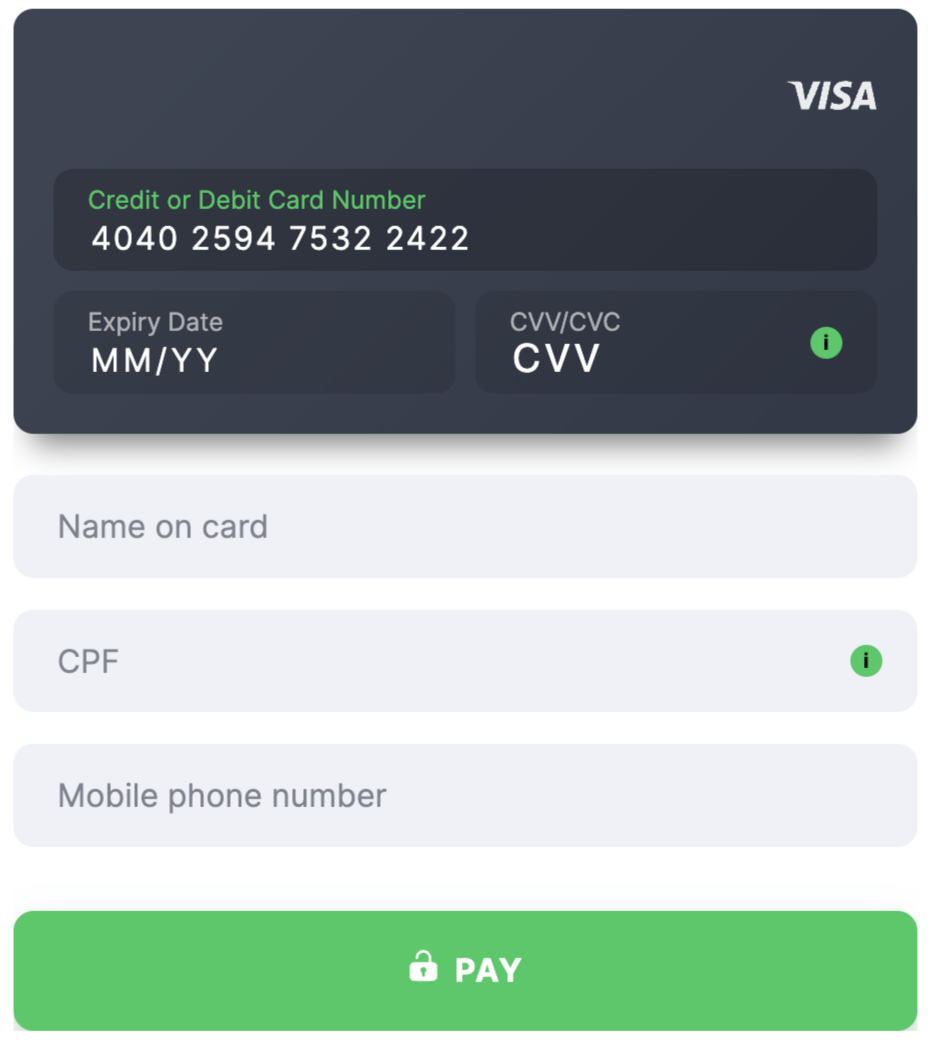
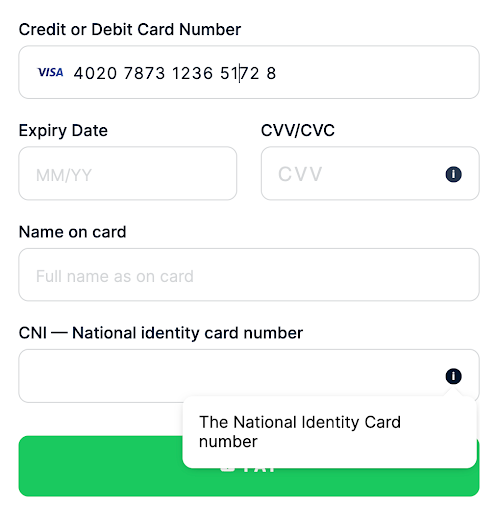
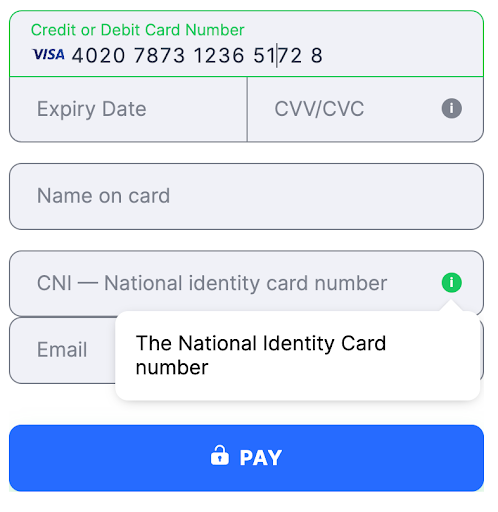
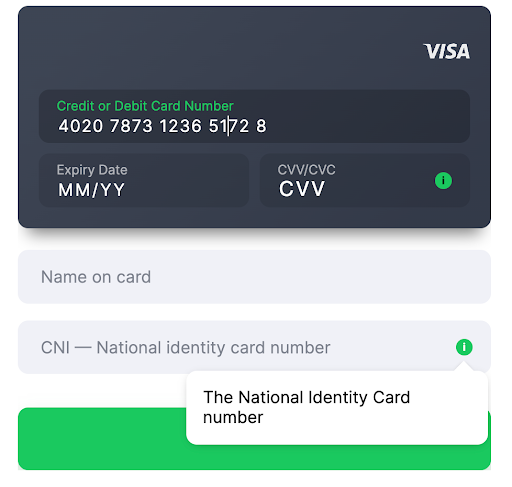
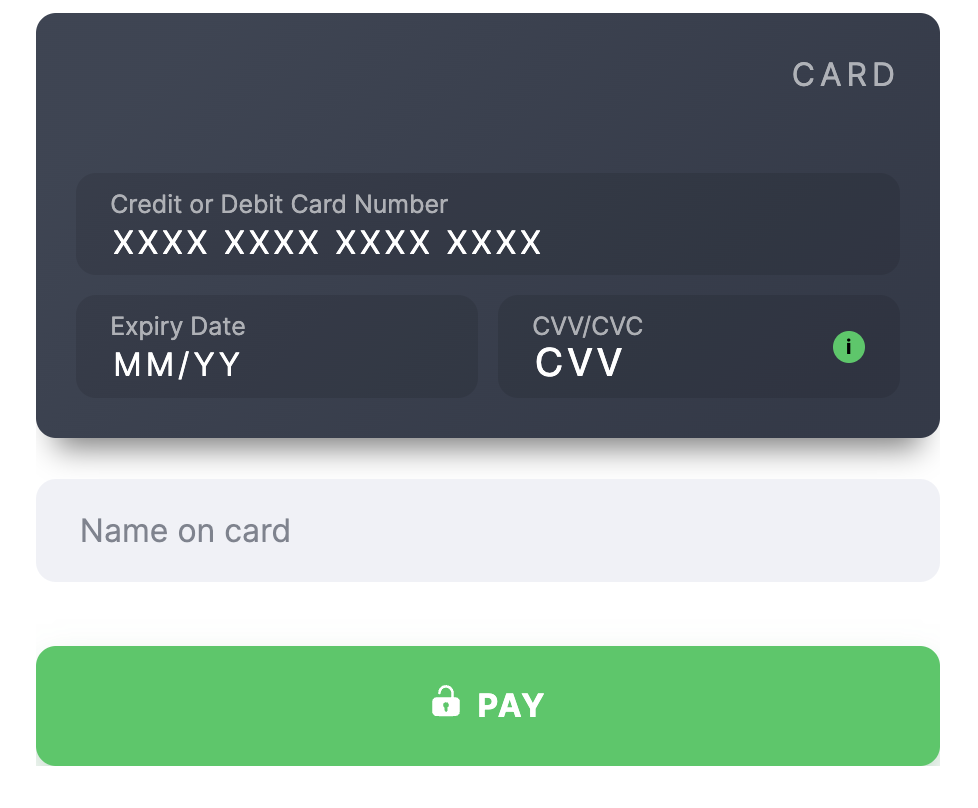
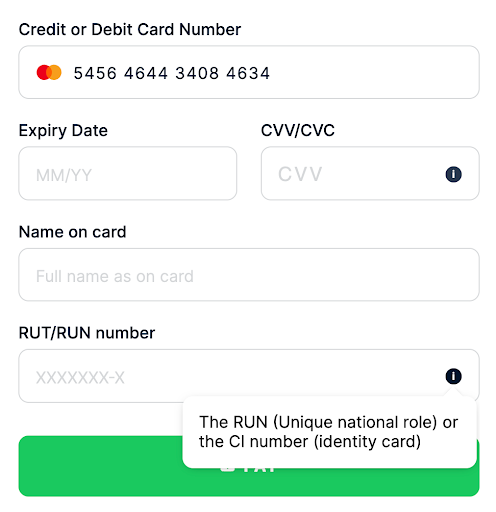
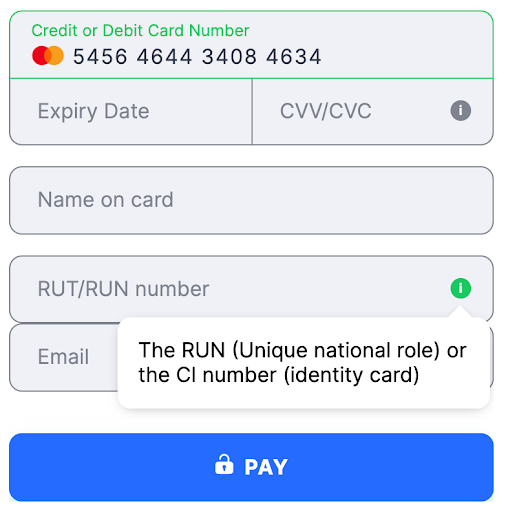
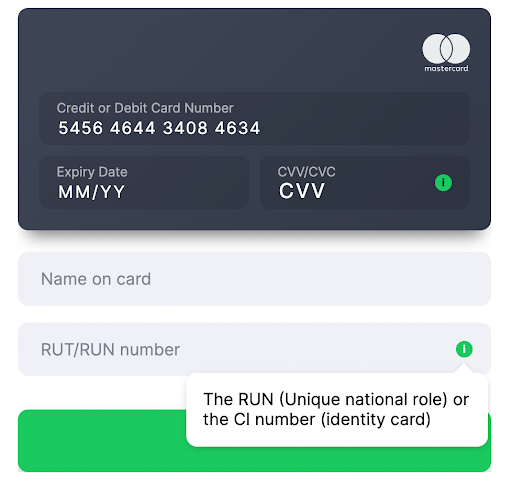
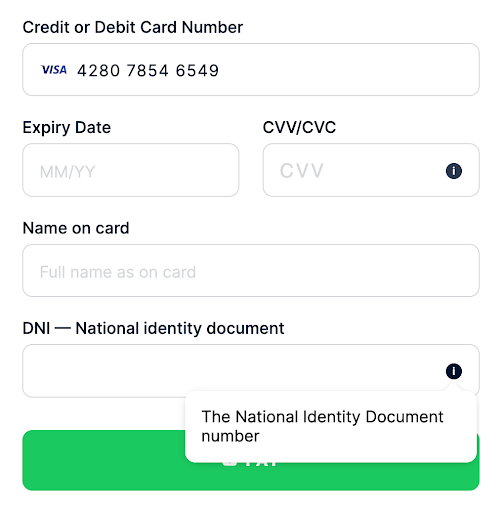
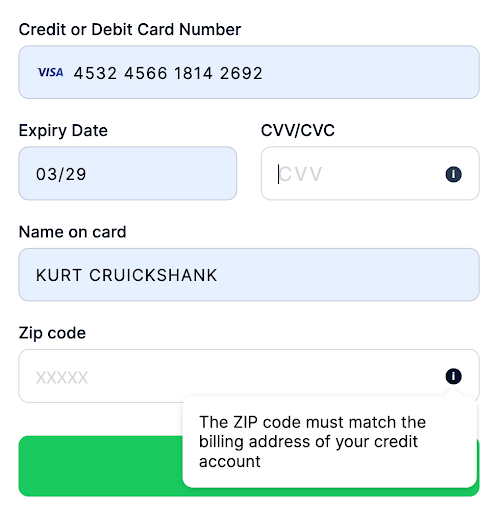
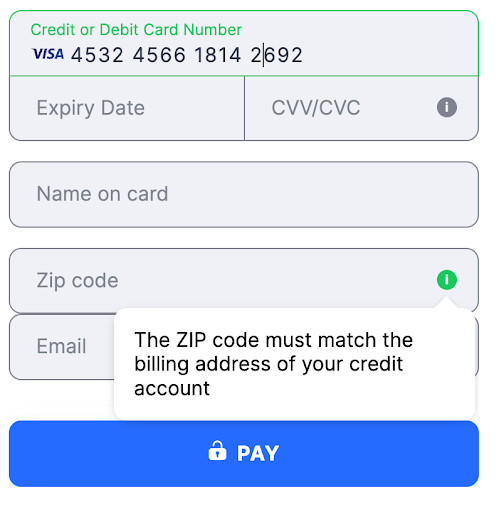
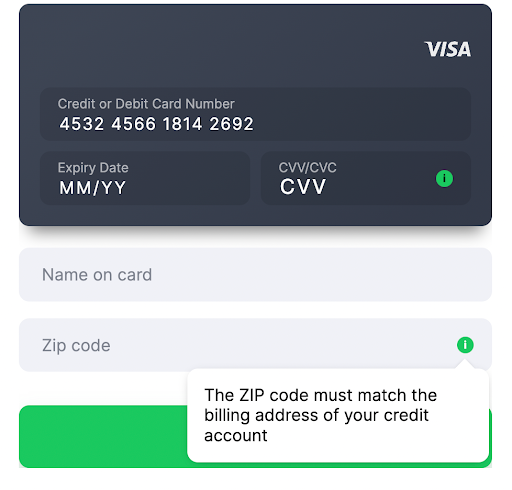
- Field title Name on card
- Description This field is used to enter the name of the cardholder as it appears on the card. It is required for transactions from specific countries. For some PSPs, if the merchant does not provide this value, it is filled with the default John Snow.
- Validation A string parameter ranging from 2 to 50 characters. The pattern
^\w.{0,48}\w$is used to validate the format. It is recommended to include at least one space between the first and last names to ensure accuracy and enhance transaction conversions. - Supported countries Argentina
ARG, BangladeshBGD, BoliviaBOL, BrazilBRA, CameroonCMR, ChileCHL, ChinaCHN, ColombiaCOL, Costa RicaCRI, Dominican RepublicDOM, EcuadorECU, EgyptEGY, El SalvadorSLV, GhanaGHA, GuatemalaGTM, IndiaIND, IndonesiaIDN, JapanJPN, KenyaKEN, MalaysiaMYS, MexicoMEX, MoroccoMAR, NigeriaNGA, PanamaPAN, ParaguayPRY, PeruPER, PhilippinesPHL, SenegalSEN, South AfricaZAF, TanzaniaTZA, ThailandTHA, TurkeyTUR, UgandaUGA, UruguayURY, and VietnamVNM.
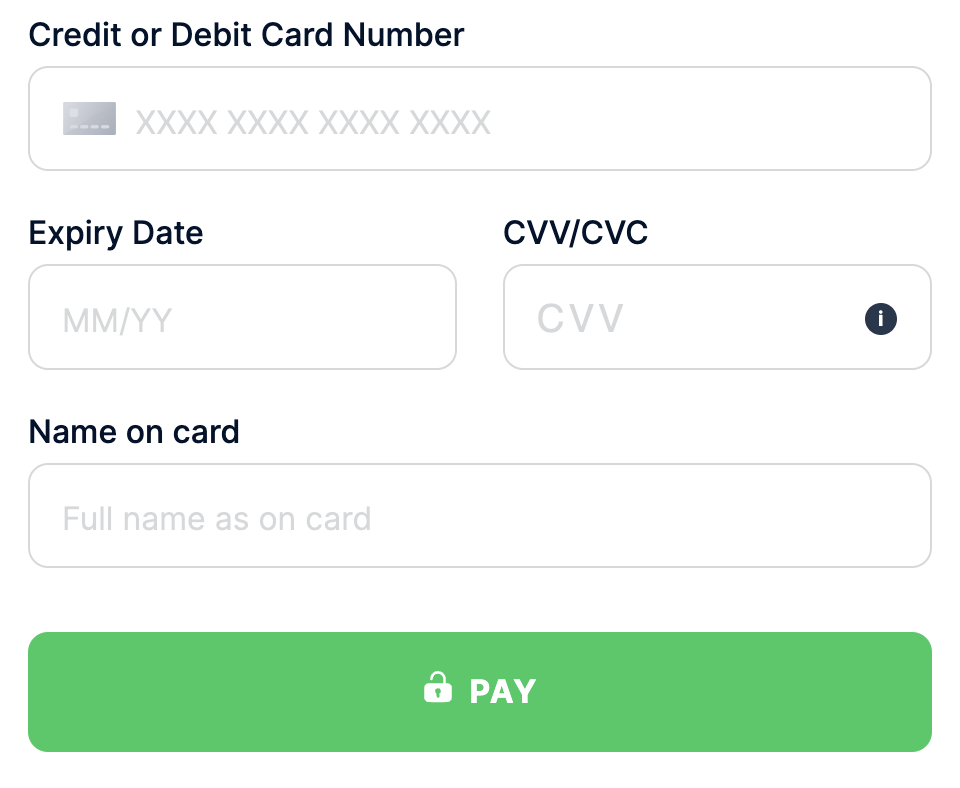
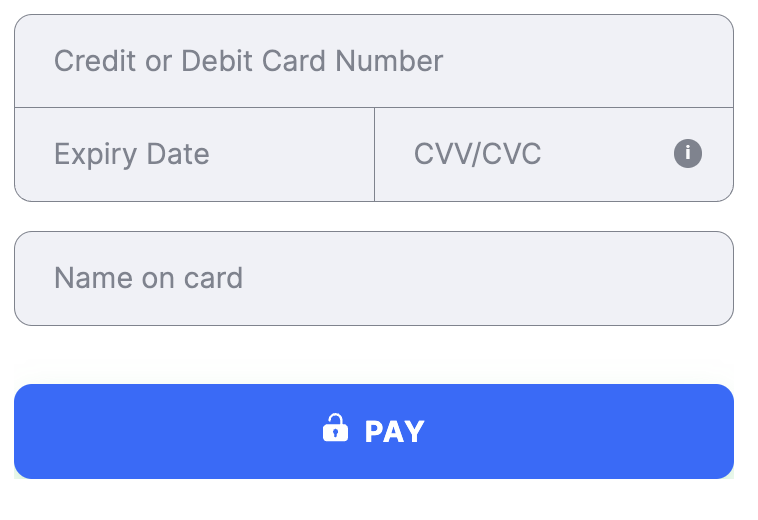
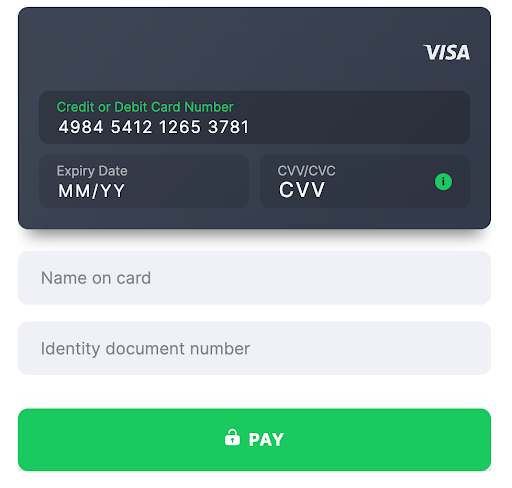
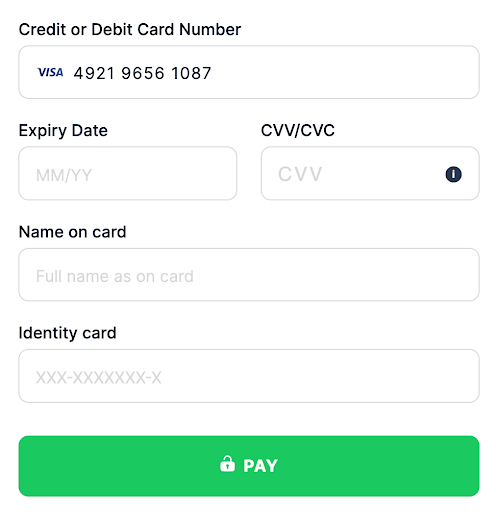
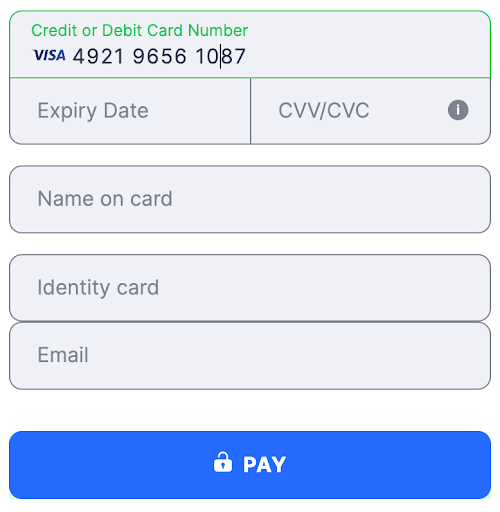
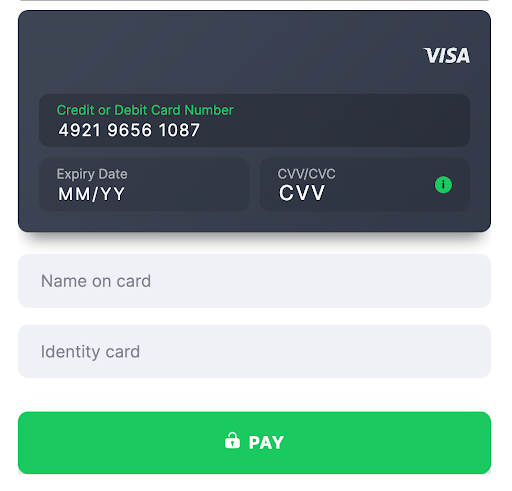
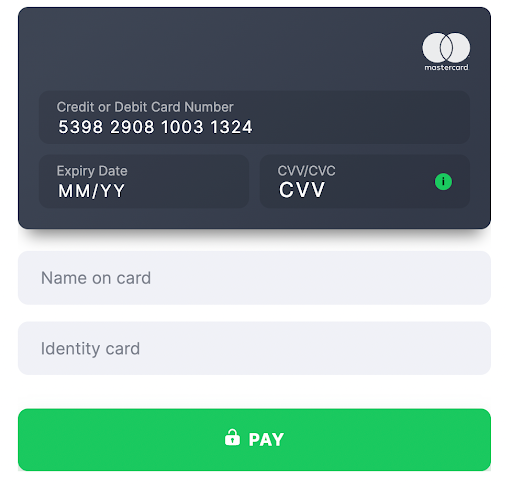
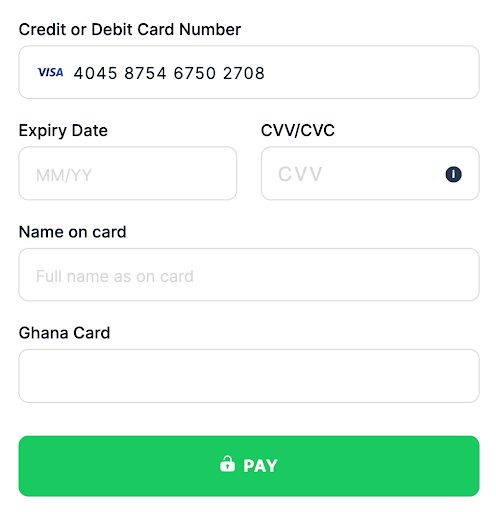
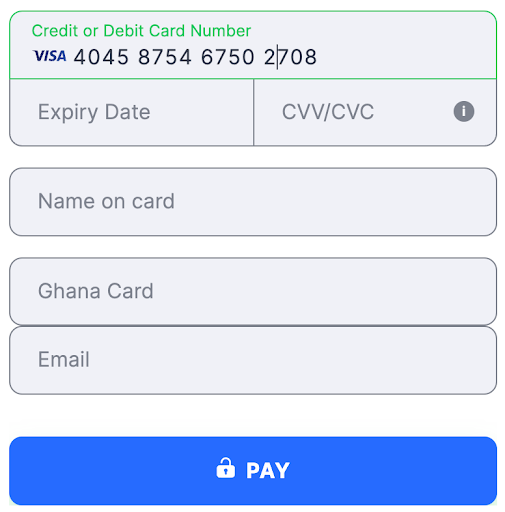
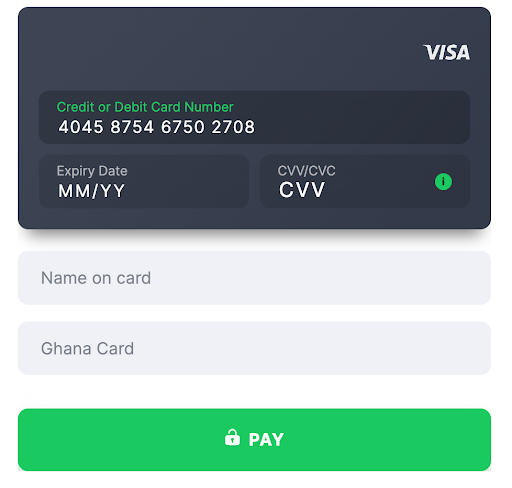
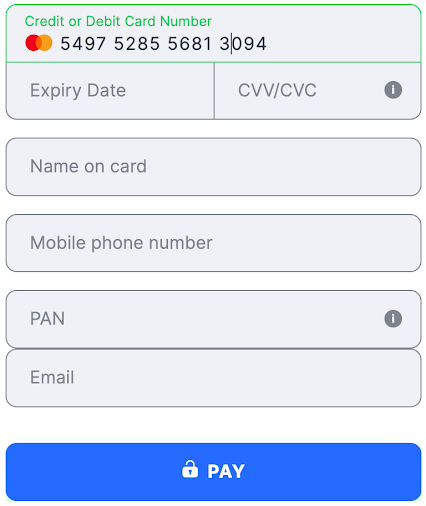
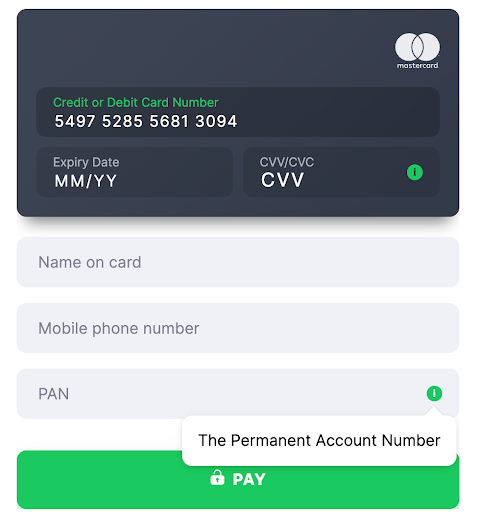
- Country India
- Country Code ( ISO-3166 Wiki ) IND
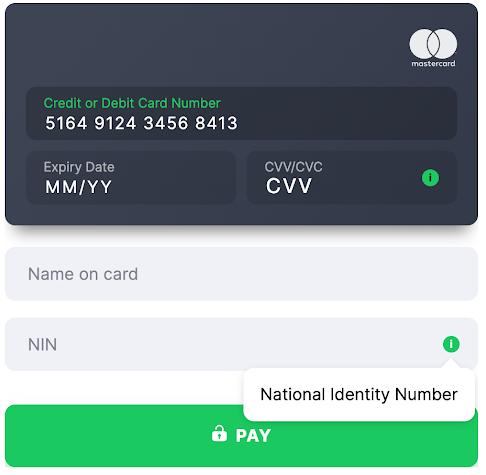
- Field Title VPA
- Validation 1-100 characters, followed by
@, then 1-30 characters (for example,username@bankname)
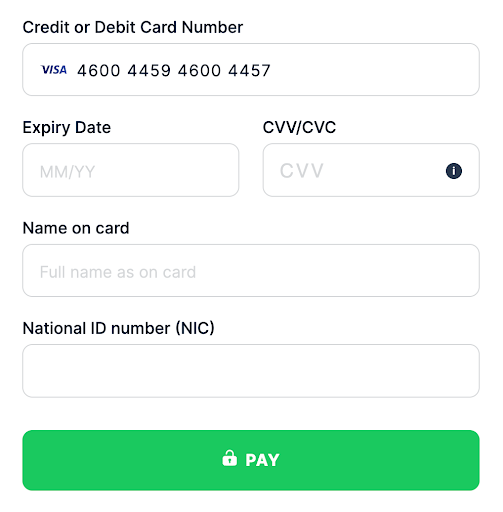
- Country Pakistan
- Country Code ( ISO-3166 Wiki ) PAK
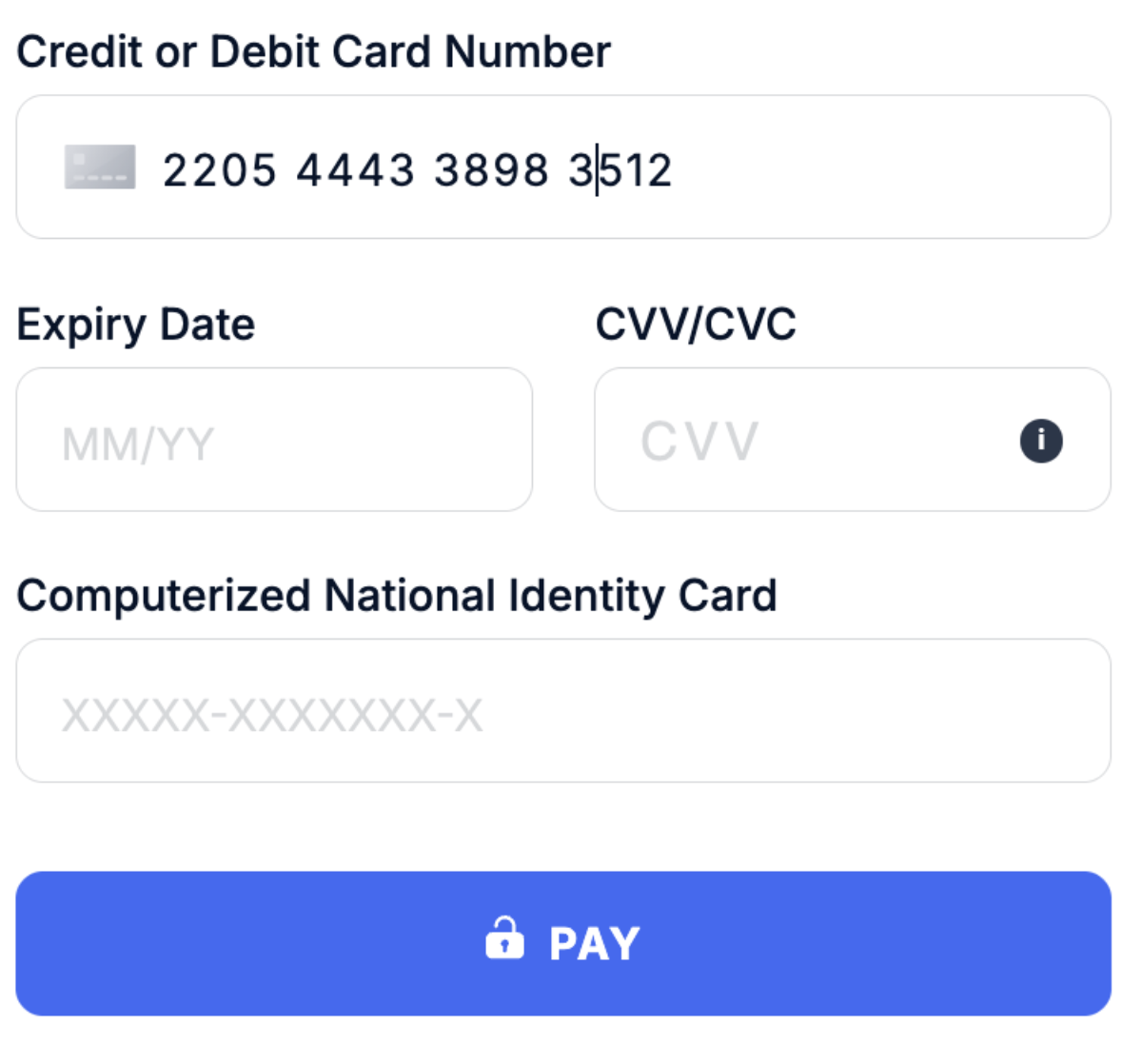
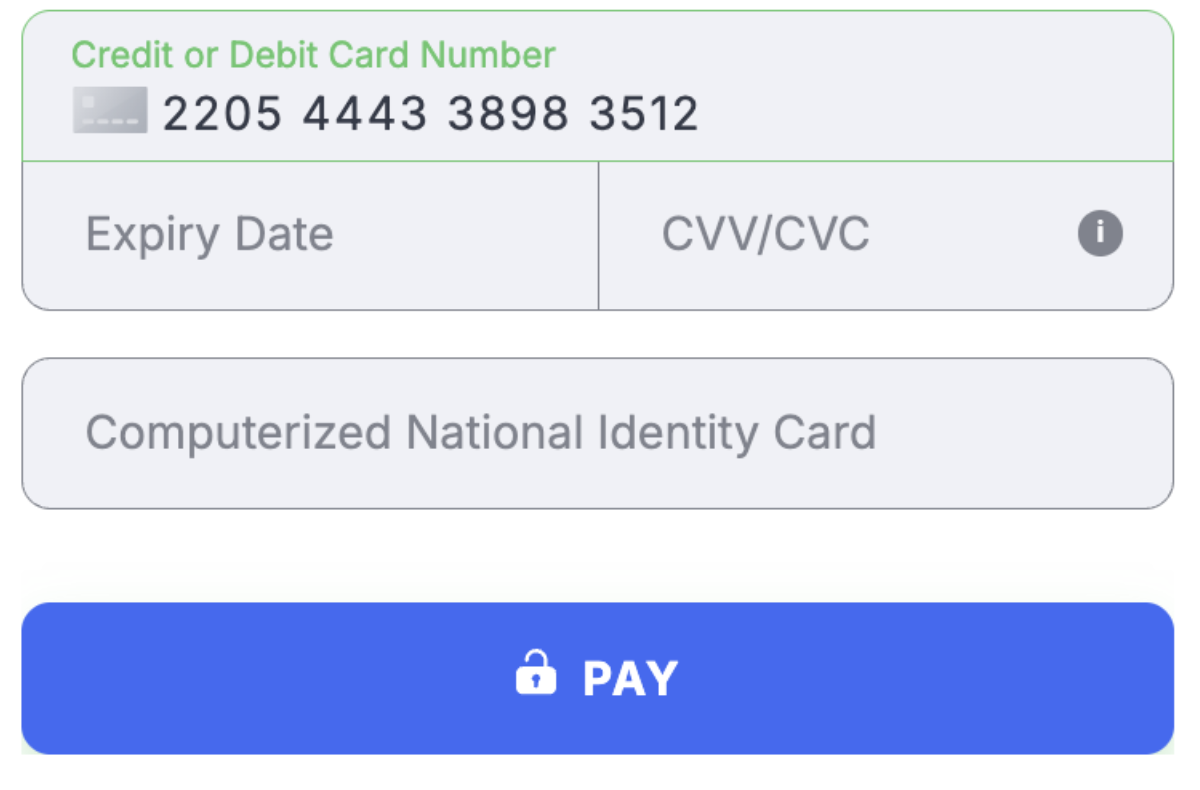
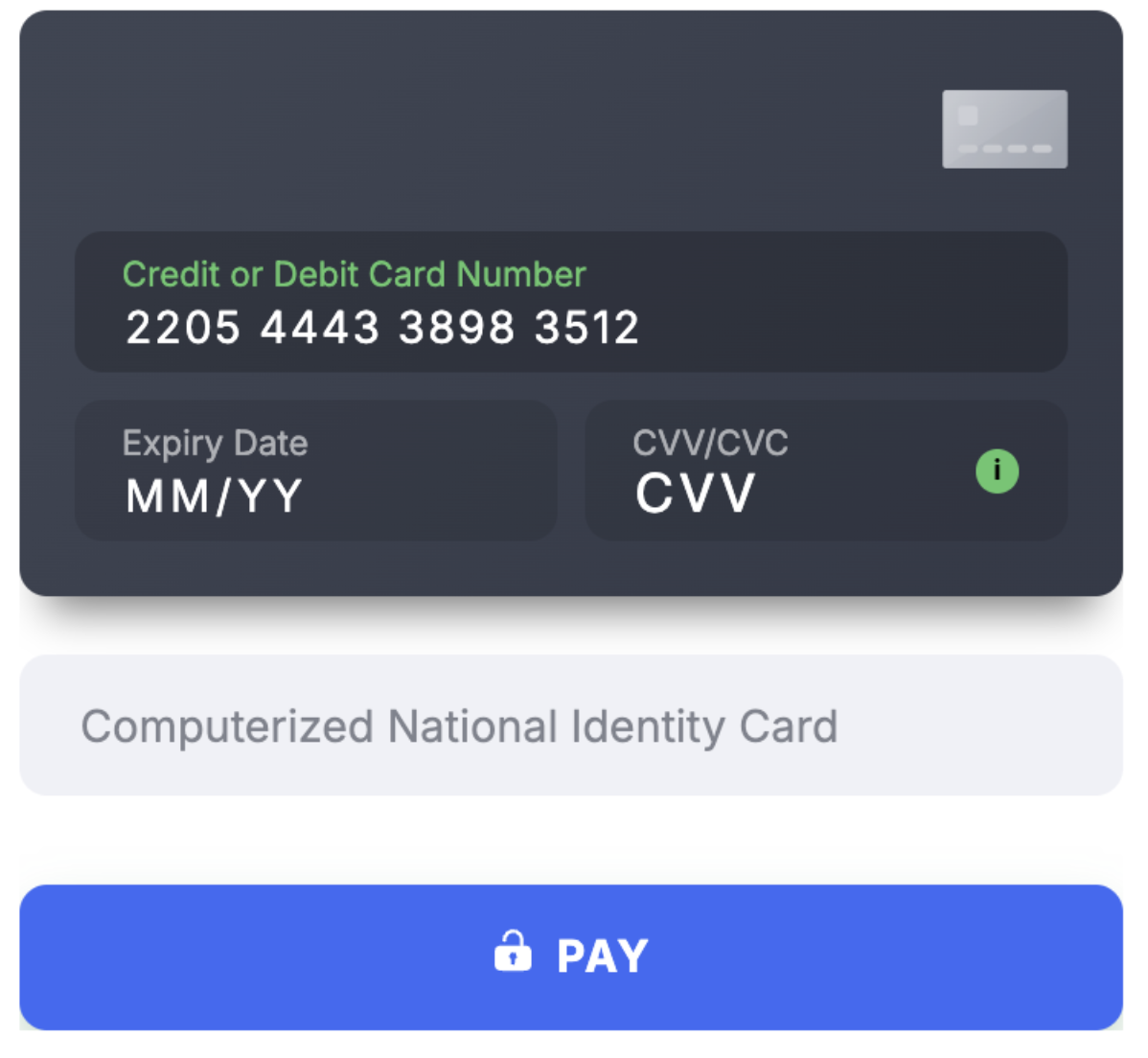
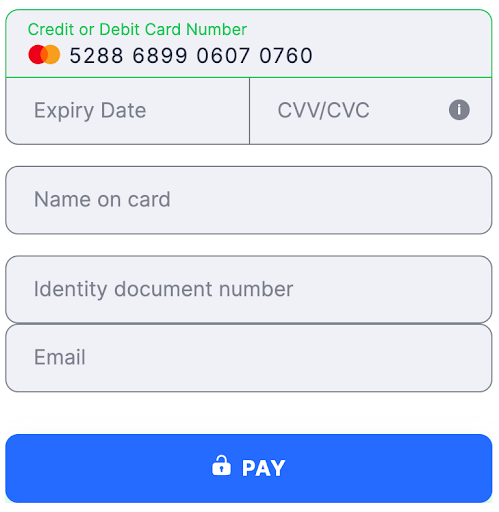
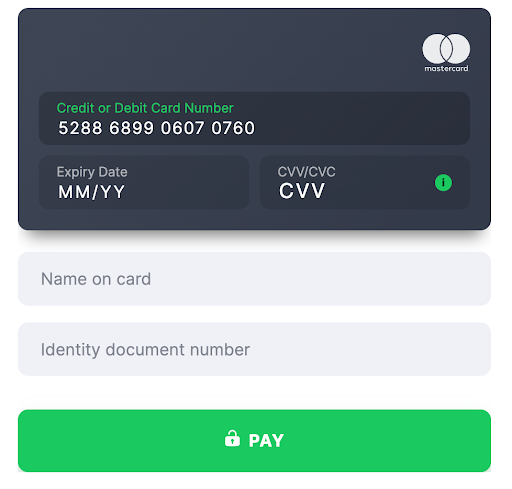
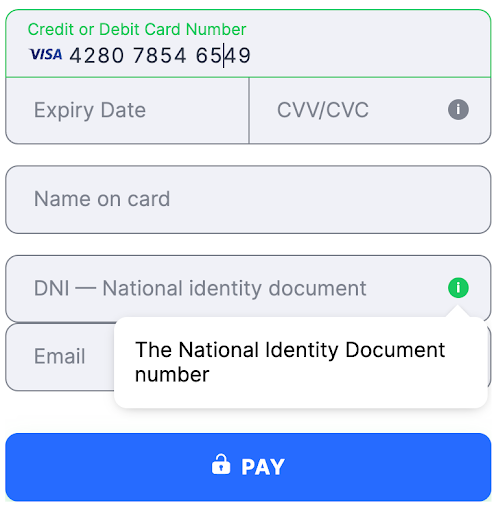
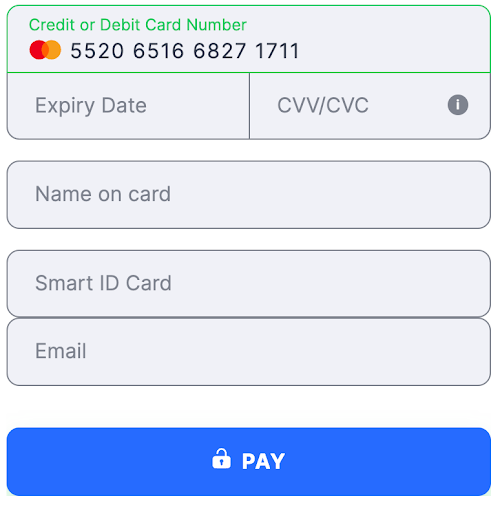
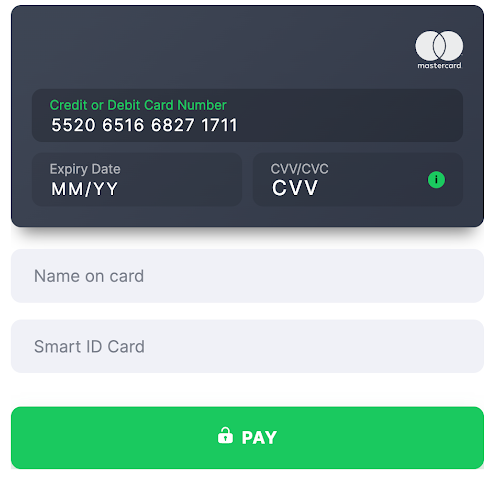
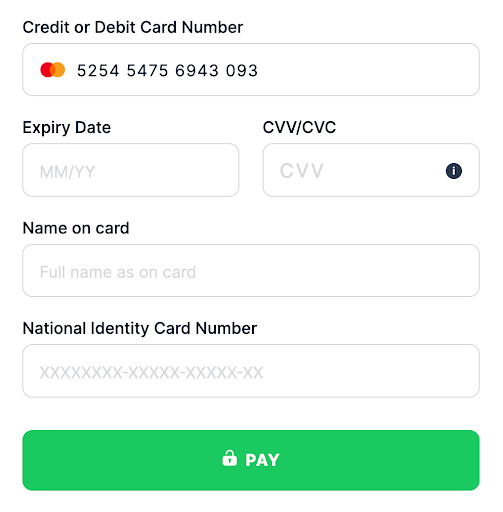
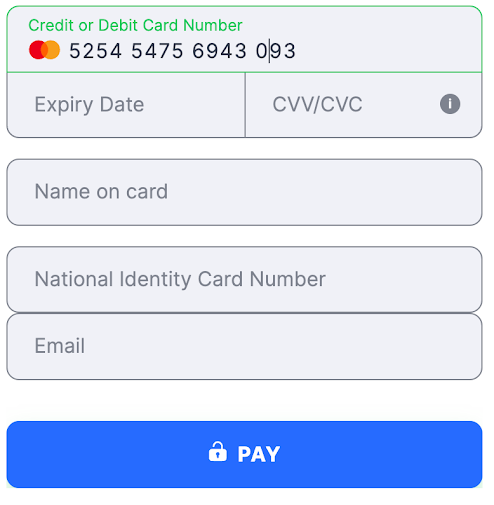
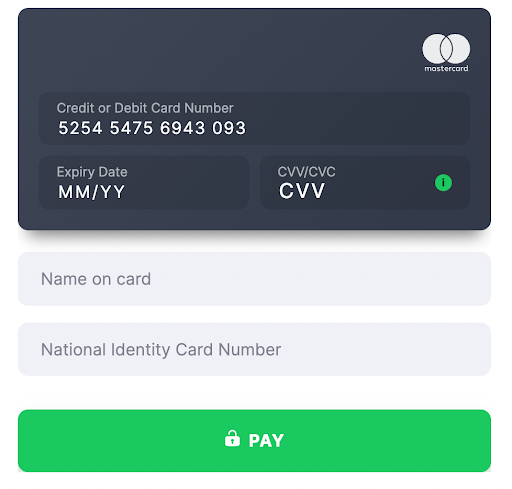
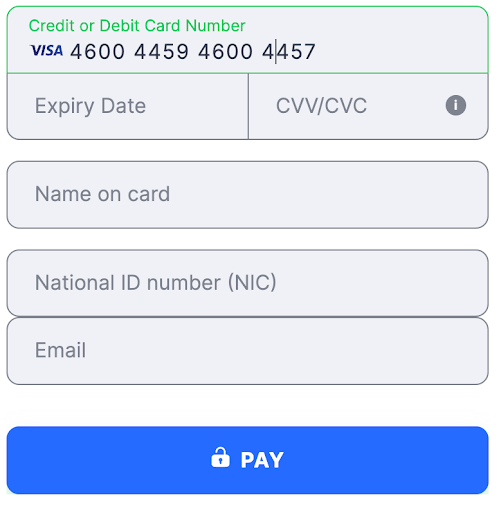
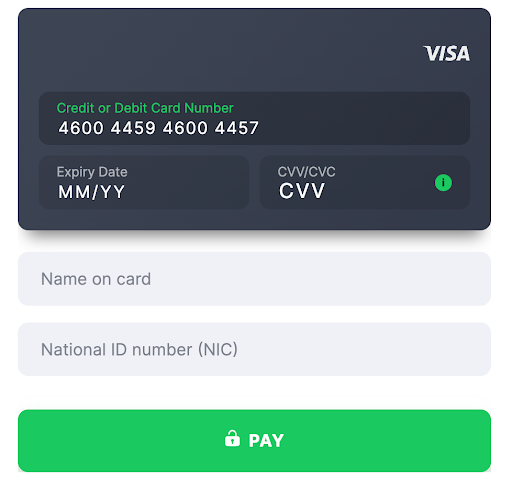
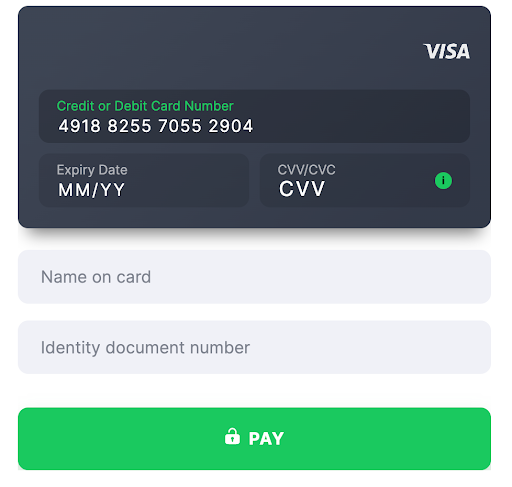
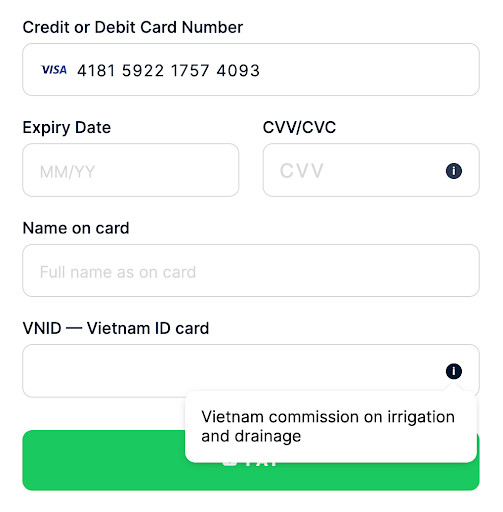
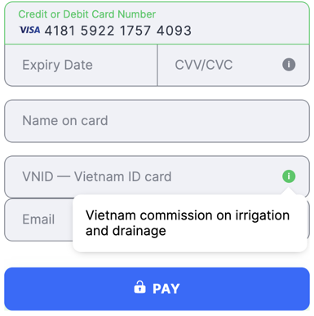
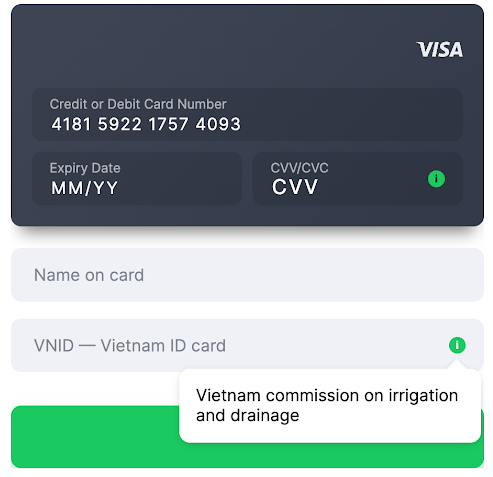
- Field Title Computerized National Identity Card
- Validation 13 digits
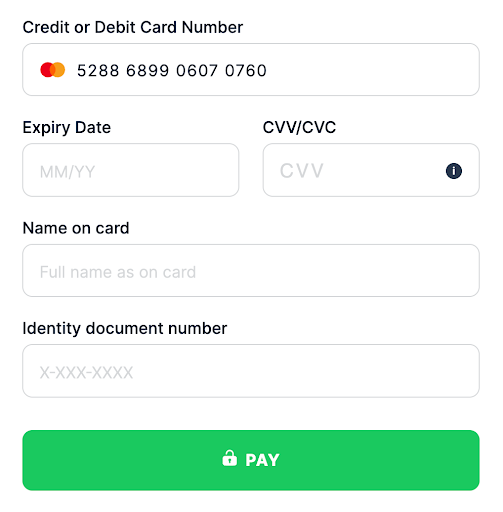
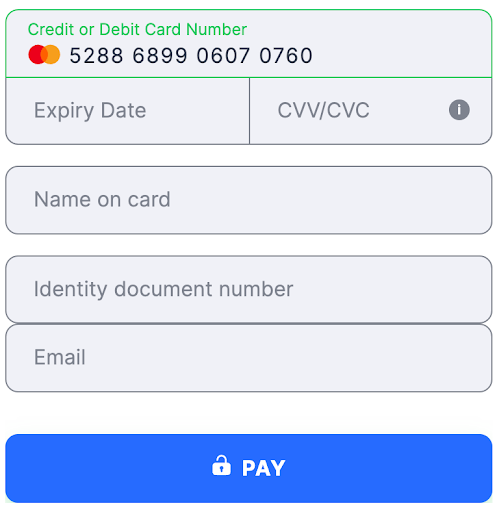
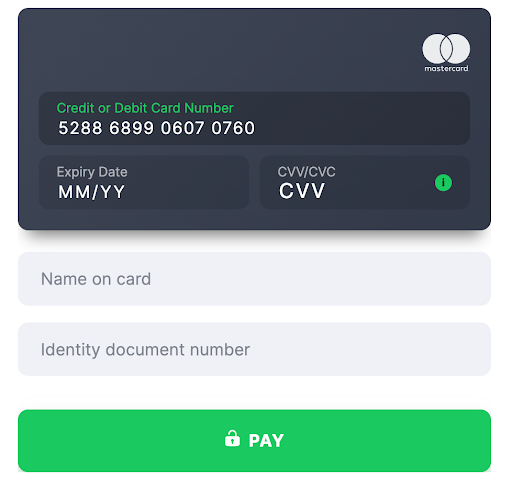
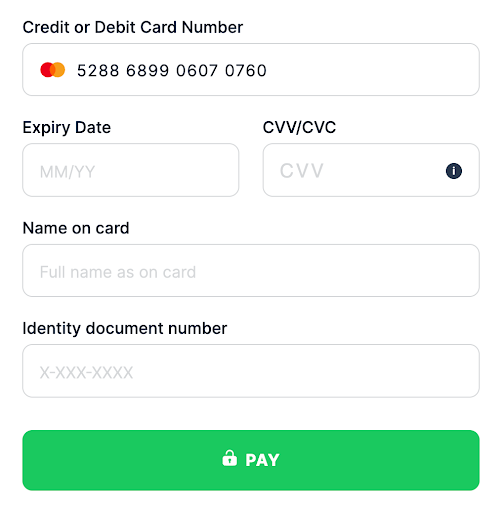
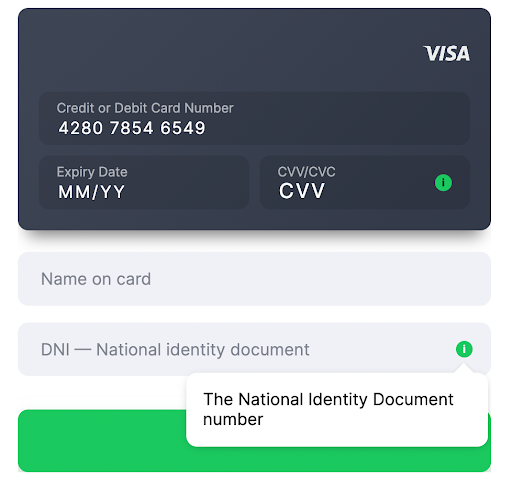
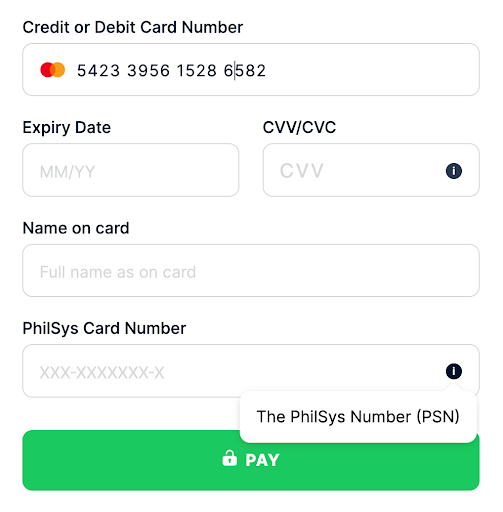
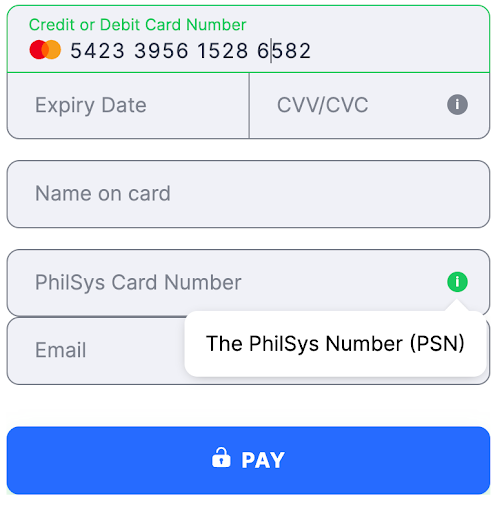
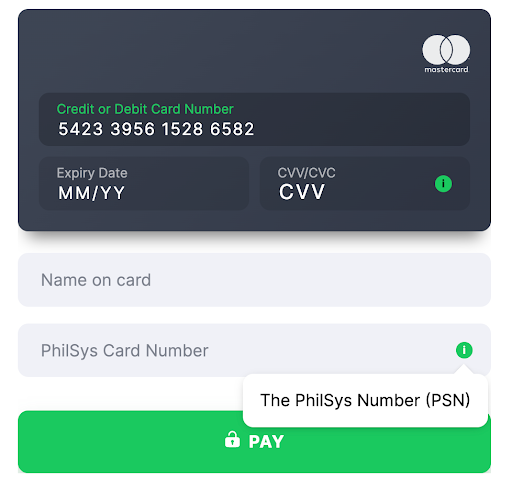
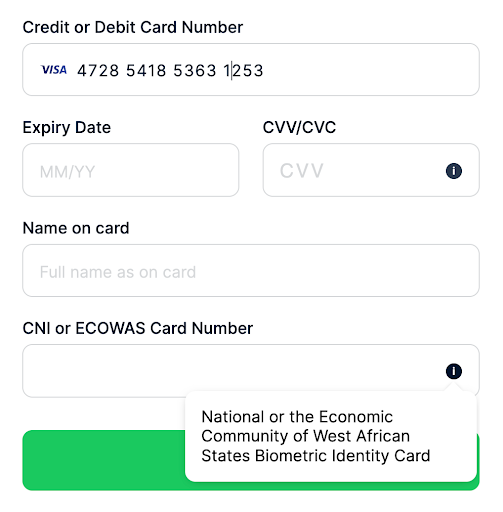
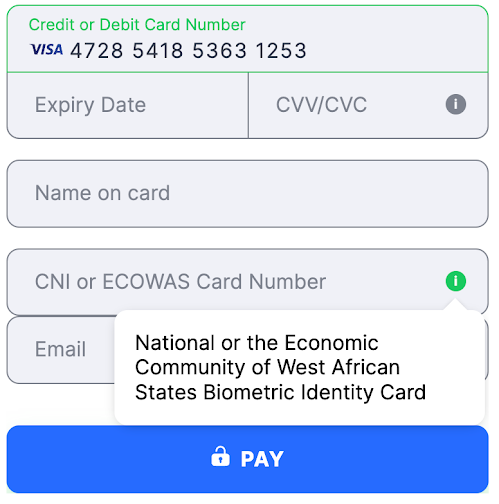
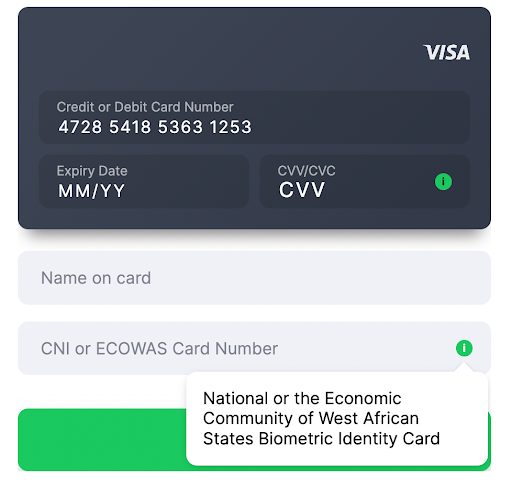
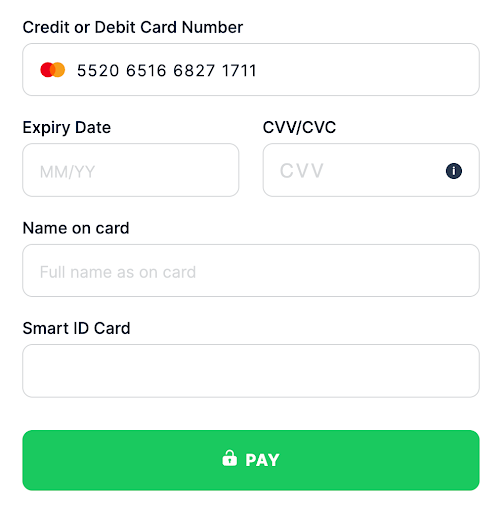
- Country United States
- Country Code ( ISO-3166 Wiki ) USA
- Field Title ZIP code
- Validation
- USA [0-9]{5}(?:[0-9]{4})?$ - 5 or 9 digits
- Other countries [0-9]{5} - 5 digits
Style additional fields
Additional fields classes are formed as follows:
|
|
You can customize all additional fields at once using the additional_field class. In this case, styles are applied to all additional field classes described in the table above.
|
|
If you want to customize a specific field, you need to apply styles to this specific additional field class name.
|
|
Supported browsers
Solidgate Payment Form supports the following browsers:
For browsers not explicitly supported, support is limited as follows:
- customer’s browser must support TLS 1.2. If TLS 1.2 is not supported, the payment form is not displayed
- certain browser extensions may interfere with the proper functioning of the payment form
- payment form stable performance cannot be guaranteed when rendered inside in-app browsers like Facebook, Instagram, or TikTok
- browsers must be sufficiently modern, including support for Promises Reference in JavaScript
- bug reports are addressed, but proactive testing of other browsers is not conducted
In-app browsers
Wallet and APM availability inside in-app browsers, such as TikTok, Instagram, or Facebook, is not guaranteed, even when the same checkout works reliably in Safari or Chrome. Support depends on the combination of the host app, its WebView engine, the device OS, and the payment method, not on the payment method alone, and can change after an app update.
Common failure patterns:
- Wallet buttons do not render. Apple Pay and Google Pay buttons may not appear inside a WebView even though the same page shows them in a standalone browser.
- Redirect and popup-based methods are restricted. For PayPal and other redirect or popup APMs, the button may render, but the in-app browser can block the popup, fail to switch to the external app, or fail to return the customer to checkout after authorization.
- Deep-link and app-switch flows break. Local APMs that redirect customers to a banking or payment app and back can fail if the in-app browser handles external links, custom URL schemes, or universal and app links differently than Safari or Chrome.
Supported translations
Payment Form is automatically translated based on the customer’s browser language settings. If the browser language is not supported, the form is displayed in en English.
| Languages and language tags | |||||||
|---|---|---|---|---|---|---|---|
| Afrikaans | af | Arabic | ar | Bengali | bn | Bosnian | bs |
| Bulgarian | bg | Cantonese | yue | Chinese | zh | Croatian | hr |
| Czech | cs | Danish | da | Dutch | nl | English | en |
| Estonian | et | Filipino | fil | Finnish | fi | French | fr |
| German | de | Greek | el | Hebrew | he | Hindi | hi |
| Hungarian | hu | Indonesian | id | Italian | it | Japanese | ja |
| Korean | ko | Latvian | lv | Lithuanian | lt | Malay | ms |
| Norwegian | no | Polish | pl | Portuguese | pt | Romanian | ro |
| Serbian | sr | Slovak | sk | Slovenian | sl | Spanish | es |
| Swedish | sv | Thai | th | Turkish | tr | Turkmen | tk |
| Ukrainian | uk | Urdu | ur | Vietnamese | vi | Zulu | zu |
If you prefer to display the Payment Form in a specific language, pass any
IETF
Wiki
language tag from the above list into the paymentIntent
Guide
Begin by setting up your backend, a vital step for successful implementation.
object.
Iframe and HTTP limitations
Payment Form is not suitable for embedding on HTTP web pages. Use HTTPS to ensure the secure transmission of sensitive data.
To work in iframe, the Payment Form requires payments to be allowed in iframe:
|
|
Specifically,
Guide
Add an Apple Pay button to your embedded payment form for one-tap checkout with biometric authentication on supported Apple devices.
Apple Pay
requires verification of iframes and top-level domains through the
Solidgate
Hub
.
Common initialization errors related to third-party when integrating the Solidgate Payment Form SDK are the following:
- Feature-Policy violation that arises in third-party iframes without proper permissions.
- Apple Pay security origin issue that occurs when starting Apple Pay sessions from a document with a differing security origin than its top-level frame.
- Insecure document error that is triggered by attempting Apple Pay transactions on non-HTTPS web pages.